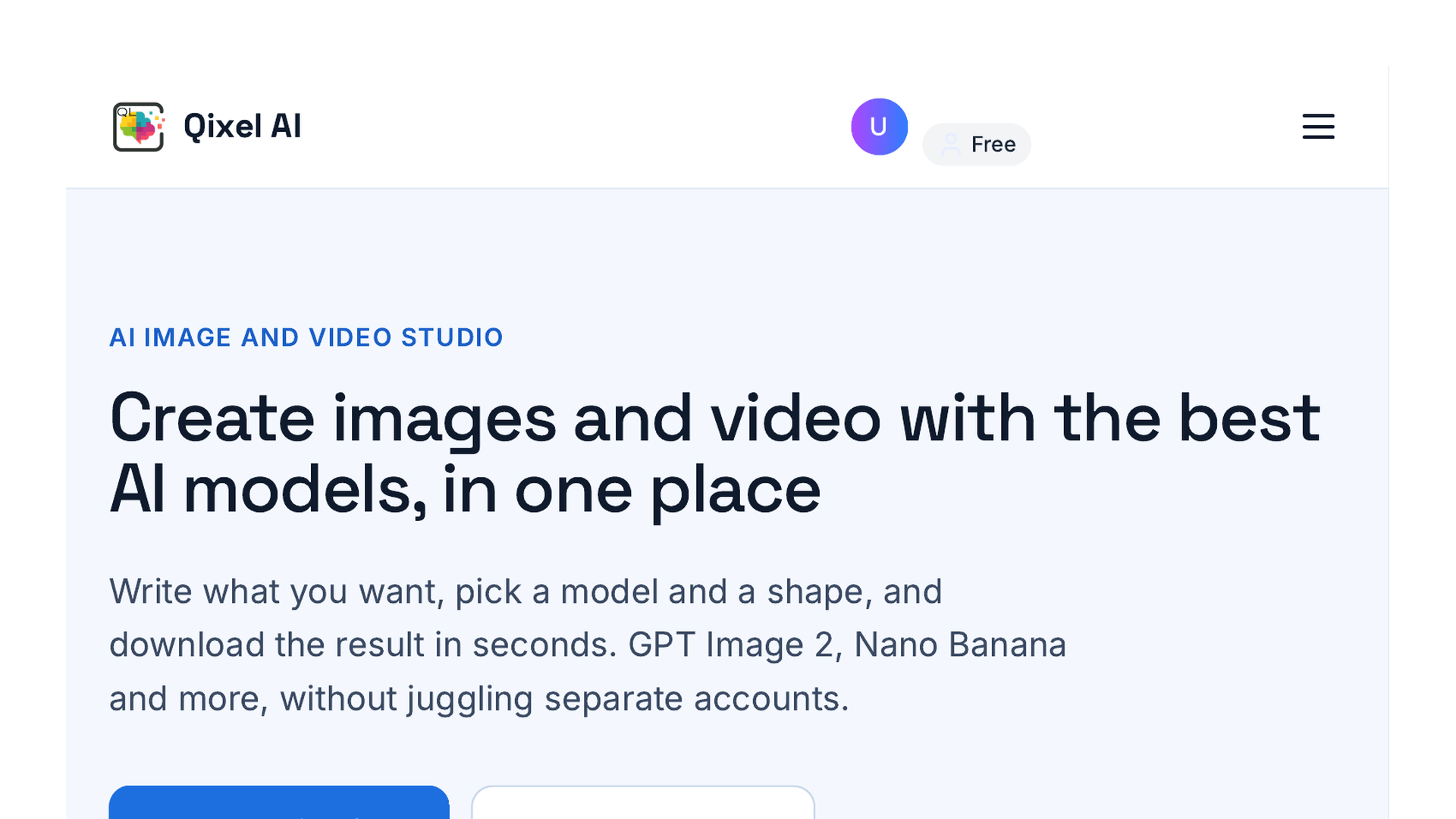
I signed up for Qixel AI on 14 November 2026 to test a simple promise: every good image and video model in one place, free to start with no card. The free plan gave me 50 credits a month, and after three real tasks I had 46 left. My verdict is mixed. The image generation I could test worked well, with no watermark on either image I made, but this is sold as an image and video studio, and every single video model sits behind the Pro paywall, so half the product is untestable for free.
Qixel is worth a look if you want a cheap way to try GPT Image 2 and a handful of other image models without juggling subscriptions. It is not the tool to pick if video is what you came for, because the free plan gives you 0 video credits and the cheapest video model starts at 12 credits a clip on Pro.
What Is Qixel AI?
Qixel AI (qixelai.com) is an all-in-one image and video studio built by indie developer Bonita with a coworker, launched on Product Hunt on 13 November 2026. It wraps 10 image models and 5 video models behind one account and one gallery: GPT Image 2, GPT Image 2.5 Flare, GPT Image 1.5 and P-Image are free, while Nano Banana, Seedream 5 Lite and GPT Image 2.6 are premium, and Seedance, Kling 2.5 Turbo Pro, Hailuo 2.3 Fast, Veo 3.1 Fast and Grok Imagine Video are video only. Studio tools include background removal, upscaling, die-cut stickers and product mockups, plus a community gallery. The launch itself was quiet, with 2 upvotes and a #159 daily rank as of 14 November 2026, and I found no independent user reviews for it on G2, Trustpilot, Capterra, Reddit, Hacker News or X as of the same date. One small discrepancy to note: the homepage claims 26 AI models and tools, but the models page lists only 15 models, so the 26 figure presumably counts the studio tools as well.
Hands-On Test: How Qixel AI Actually Performed
In line with our editorial testing policy, I signed up with an email address, no card, and the dashboard loaded on the Free plan with 50 of 50 credits and 0 video credits. My first task was GPT Image 2, one of the free models at 2 credits per image. I asked for a cozy Helsinki coffee shop interior in the morning, warm light, a cat sleeping on a window seat, photorealistic, in 16:9. It cost 2 credits, finished in under 60 seconds, and matched the prompt well: a warm interior, a large window, and a tabby cat asleep on the window seat. No watermark was visible on the image, and no pixel dimensions are stated anywhere in the studio, only the 16:9 aspect, so I report no resolution figure rather than inventing one.

My second task was a studio tool rather than a new generation. I ran Upscale 2x on the first image through the Tweak panel. It cost 1 credit, finished in under 60 seconds, and returned the same composition upscaled. My third task was the other free model, P-Image from Pruna AI at 1 credit per image, with the same prompt. It cost 1 credit and finished in under 60 seconds, but the result was weaker: a close-up of a tabby cat on a wooden window seat beside a plant, photorealistic, but the cat is awake and looking at the camera, and no coffee cup or shop interior is evident. So the free models are not equal, and GPT Image 2 was clearly the stronger of the two on this prompt. My final balance was 46 of 50 after 3 creations and 4 credits spent.

Video is where the free plan stops. The studio header showed Video credits: 0 throughout, and opening Lumotion showed that it is included with Pro and Enterprise, with an upgrade prompt. The video models are all priced in video credits: Seedance 1 Pro Fast from 3, Hailuo 2.3 Fast from 4, Kling 2.5 Turbo Pro from 7, Grok Imagine Video from 7, and Veo 3.1 Fast from 12. I did not test any video generation, and this review does not score it. One more thing worth knowing: in the creation detail view, Show in community gallery is ON by default, and the dashboard labelled two of my three creations Public, so your generations appear public unless you toggle that off.
Free Plan vs. Real Pricing (And Hidden Limits)
The free plan is a monthly refill, not a one-off grant, which is its best feature: 50 credits a month refilled on your sign-up date, a selection of free image models, studio tools included, and commercial use on every plan. Fast draft models cost 1 credit per image, so 50 images, and free models cost 2 credits, so 25 images. What it does not give you is any video at all, any premium model, or more than 7 days of storage for your creations without a membership. The terms, last updated 5 August 2025, contain no billing, refund, cancellation or auto-renewal terms in the text shown, but state you keep rights to images you create while granting a licence to use aggregated, anonymised data to improve services.
| Plan | Monthly price | Monthly credits | Video credits |
|---|---|---|---|
| Free | $0 | 50 | 0, video models not included |
| Pro | $12 | 500 | 20 |
| Enterprise | $29 | 1,200 | 60 |

Video top-up packs are $5 for 50 video credits, $10 for 110 (about 18 clips), and $20 for 250 (about 41 clips), and purchased credits never expire. Checkout is via Stripe and prices are in USD. There is no verified promo code. I checked the homepage, the pricing page and the Product Hunt launch post, and none of them mentions a code, a discount or a launch offer, so the free plan itself is the only saving.
Pros
- Free credits refill every month: 50 credits a month, not a one-off grant, with no card required.
- GPT Image 2 works well on Free: My coffee-shop prompt came back on brief in under 60 seconds for 2 credits.
- No watermark on free images: Neither of my two generated images carried a watermark.
- Commercial use on every plan: The pricing page includes commercial use even on Free.
- Clear credit costs before you generate: Fast draft 1 credit, free models 2, premium 3, top-tier premium 6.
Cons
- Every video model is paywalled: Free gets 0 video credits, so half of an image and video studio is untestable without Pro.
- Free models are not equal: P-Image lost the shop interior and the sleeping cat that GPT Image 2 nailed on the same prompt.
- Generations are public by default: Show in community gallery is ON unless you toggle it off.
- Homepage model count does not match: 26 models and tools claimed, but the models page lists only 15 models.
- Creations kept only 7 days without a membership: Free results do not stay in your gallery indefinitely.
What Real Users Are Saying
I found no independent user reviews for Qixel AI on G2, Trustpilot, Capterra, Reddit, Hacker News or X as of 14 November 2026. G2 has no listing for Qixel AI at all, and the only similar name that surfaced, Quixel Suite, is a different company making 3D asset tools for Epic Games, so its 4.7 out of 5 score must not be read as Qixel sentiment. Trustpilot and Capterra have no listing either. On Product Hunt there is exactly 1 comment, and it is the maker own launch post from Bonita, explaining she built Qixel with a coworker because she kept jumping between tabs and subscriptions to try new models. There is no independent praise and no independent complaint anywhere I looked. The honest summary is that real-user sentiment does not exist yet in public, and the launch itself was quiet at 2 upvotes and #159 on the day. If you are an early Qixel user, your experience would be among the first public ones.
Who Should Use Qixel AI (And Who Should Skip It)
Use Qixel if you want one cheap account for trying GPT Image 2 and a few other image models, with monthly refilling credits and no watermark, and you are happy to pay $12 a month when you want video or premium models. At $12, Pro undercuts OpenArt Starter at $14 and matches Leonardo Essential at $12, which makes the upgrade fairly priced if you generate often. Skip it if video is the reason you are here, because the free plan gives you nothing to test with and the cheapest video clip costs 12 credits on Pro. Skip it too if you need daily free credits rather than a monthly 50, since Krea gives 100 compute units a day and Leonardo gives 150 tokens a day, both with limited free video. And toggle the community gallery off before you generate anything you would rather keep private.
OpenClips AI Review
If you want browser-based video clip editing and viral highlight extraction, take a look at our OpenClips AI review.
Frequently Asked Questions
Is Qixel AI really free?
Yes. The free plan costs $0 forever with 50 credits a month refilled on your sign-up date, and I signed up without a credit card. Video models and premium image models are paid only, starting with Pro at $12 a month.
Does Qixel AI add a watermark on the free plan?
No watermark appeared on either image I generated on the free plan. Generations are public in the community gallery by default, so toggle that off if you want them private.
How much does Qixel AI cost per month?
Free is $0. Pro is $12 a month with 500 credits and 20 video credits, and Enterprise is $29 a month with 1,200 credits and 60 video credits. Video top-ups are $5 for 50, $10 for 110, and $20 for 250 video credits.
Can you use Qixel AI creations commercially?
Yes, commercial use is included on every plan according to the official pricing page, including Free. The terms say you retain rights to images you create, while granting a licence to use aggregated, anonymised data to improve the service.