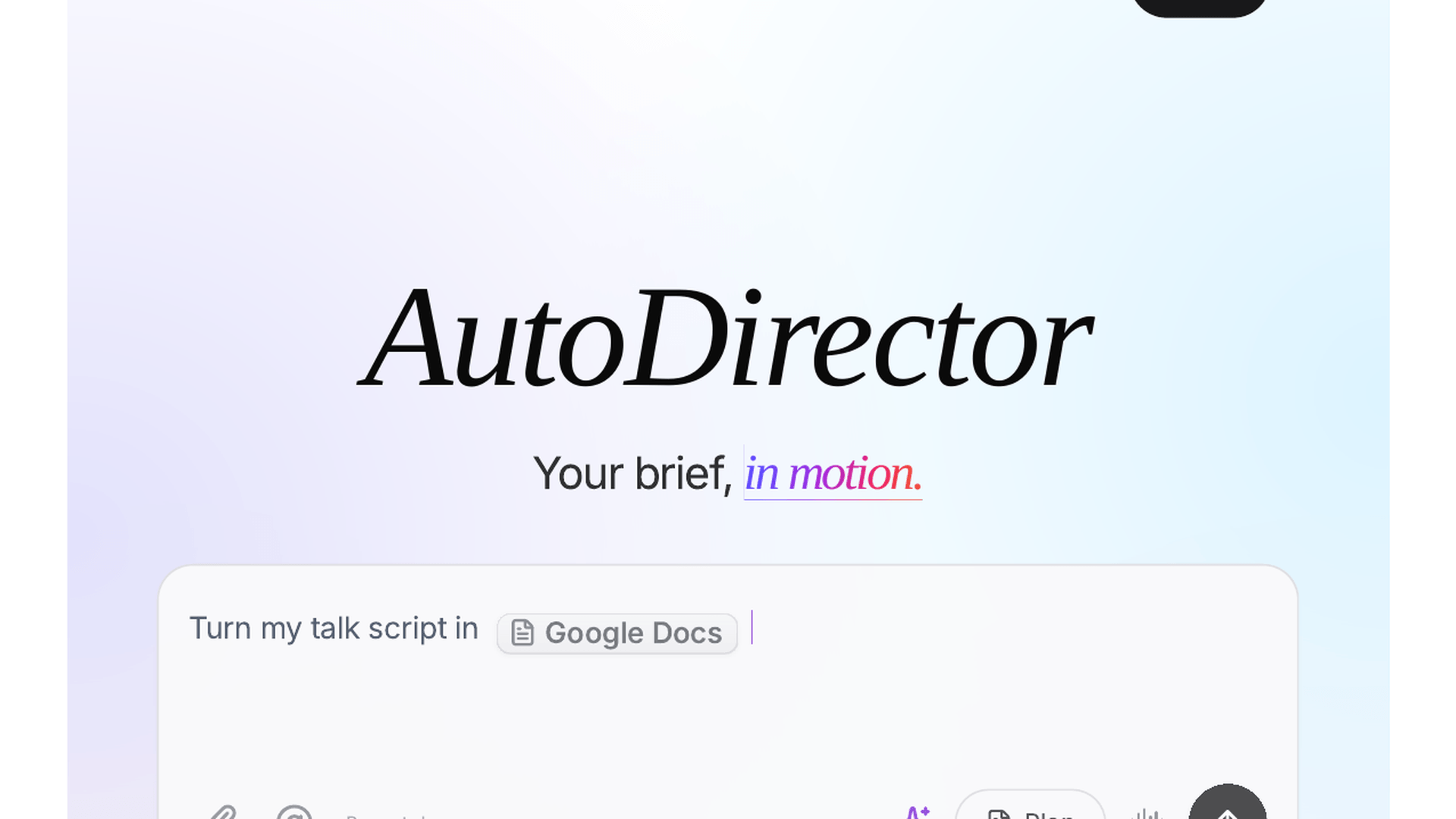
I signed up for AutoDirector on 14 November 2026 to test a simple promise: type a brief, get a finished film back, with voiceover, music and sound effects, no card required. The free plan gave me 200 credits a month at the Light level. After one 30-second film, one revision and one more plan draft, my verdict is mixed. The film itself is real: a 30-second, 1920×1080 MP4 I could download, with no watermark. But it plays in total silence, it took 23 minutes to render, and the free credits were nearly gone after a single film.
AutoDirector is worth a try if you want a no-card test of brief-to-film AI and you can live with a silent, flat-illustration result. It is not the tool to pick if you need sound, fast turnaround, or more than one film a month for free, because the credits run out fast and the sound features sit behind paid plans.
What Is AutoDirector?
AutoDirector (autodirector.studio) is a brief-in, finished-film-out AI video studio. You write a brief, the agent asks a couple of questions, it drafts a scene plan for you to approve, then it renders the film and hands back an MP4 with a delivery package. It launched on Product Hunt on 8 November 2026, and its Terms were last updated on 12 November 2026. No founder is named publicly anywhere I could find, and no company address or legal entity name is published on its site. The site promises 1080p MP4 films with voiceover, music and sound effects, and says your inputs and outputs stay yours, with no training on your content.
Hands-On Test: How AutoDirector Actually Performed
In line with our editorial testing policy, I signed up with an email address and password. Google sign-in is broken on the site: it sends you to an address that returns the site’s own page-not-found screen, so that route does not work at all. Once in, the account showed 200 free credits and the Creator plan, with no subscription and no card asked for at any point.

Task 1, brief and scene plan: I briefed a 30-second promo for a small Helsinki coffee shop, Kahvila Aamu: warm morning light, barista latte art, cinnamon buns, a cosy wooden interior, and the end line “Your slow morning starts here in Helsinki”. The agent asked two questions, real shop or concept, and voice-over or pictures-and-type, and I answered concept and pictures-and-type with no voice-over. The plan took about 9 minutes to produce: 8 beats totalling 30 seconds, titled “Aamu, a slow morning in Helsinki”, 16:9, 25 fps, silent, 1280×720 in the plan, with no background music planned. The plan text promised “Real photography, never a drawn cup”. I approved it.
Task 2, first film: Approved at 06:47, ready at 07:10, about 23 minutes of rendering through Preparing media, Composing scenes, Rendering film, Checking quality and Preparing delivery. The download is a real film: 30.000 seconds, 1920×1080, 25 fps, H.264, 11.5 MB, verified from the file itself. It is flat vector-style animation, not photography: espresso pouring into a white cup, a cafe interior with a big window, and an end card reading “Kahvila Aamu, Your slow morning starts here in Helsinki.” There is no watermark in any frame I checked. And there is no audio track at all: the MP4 has a single video stream, so the film is silent, no voice-over as chosen, but also no music and no sound effects, even though the site promises them.

One more thing the interface got wrong: it said “Quality checks complete”, but the quality report file that came with the film says the review was never done, passed is empty and the reason given is “not_reviewed”. The report does show the work behind the film: 116 model calls, all on the Light tier, 6,621,424 input tokens and about 19 minutes of total model latency. The MP4, the quality report and a poster all downloaded without trouble.
Task 3, revision and a second brief: I asked to make the opening scene slower and add a close-up of the cinnamon buns. The revision re-rendered the whole film and took about 24 minutes; the result still plays 30 seconds with the same end card and no watermark or audio, and the run page itself notes that my credits ran out before it was complete. I then drafted an 8-second social teaser for the same shop, 3 beats, planned 1280×720, but I did not approve it: with only 25 credits left and an 8-second Light film listed at 100 credits, a second film was out of reach.
Free Plan vs. Real Pricing (And Hidden Limits)
The free plan is real and needs no card, but it is thin. You get 200 credits every 30 days at the Light level, and the pricing page warns there is no guaranteed number of films per plan. My test spent 175 of the 200: 170 for the Aamu film plus its revision, and 5 for drafting the teaser plan. The sidebar kept showing 200 credits the whole time, a stale number; only the billing page, after a refresh, showed the real balance. Costs are metered per model call, not the flat per-film prices in the FAQ, so you cannot predict exactly what a film will cost before you make it.
| Plan | Price | Credits | Key limits |
|---|---|---|---|
| Free | $0 | 200 per month | Light only, first 8-second film free, no card |
| Spark | $9 per month | 900 per month | Voice-over and captions, Medium quality still locked |
| Pro | $29 per month | 2,900 per month | Expandable motion templates, 10 poll variants |
| Max | $99 per month | 11,000 plus 1,100 bonus | 4K pack, versioning, cinematic alternates, team seats |
There is no annual billing: paid plans auto-renew monthly in USD, credits expire at the end of each period and do not roll over, and a one-time top-up of 1,000 credits costs $10 and lasts 12 months. Medium quality (1080p) and Max quality (4K) are both locked in-app on the free plan, even though my film still downloaded at 1920×1080. I found one promo code, PRODUCTHUNT for 15 percent off the first month, but only on Product Hunt, in the maker’s launch post; I could not verify it on any official AutoDirector page, so I do not present it as verified.

Pros
- A real film, no card: a 30-second, 1920×1080 MP4 downloaded cleanly from the free plan.
- No watermark: no watermark in any frame of the finished film I checked.
- Scene plan before you spend: you review and approve an 8-beat plan before rendering starts.
- Clear paid pricing: Spark $9, Pro $29 and Max $99 a month, plus a $10 top-up that lasts 12 months.
- Fair terms: you keep your rights, no training on your content, commercial use allowed, and films that fail through AutoDirector’s fault get credits refunded.
Cons
- The film is silent: no audio track at all, despite the site promising voiceover, music and sound effects, and voice-over sits behind a paid plan.
- Very slow renders: about 23 minutes for the film and 24 minutes for a revision that re-renders everything.
- Free credits run out after one film: 175 of 200 credits went on one film, one revision and one plan draft, and the sidebar balance stayed stale at 200.
- The plan overpromises: it promised real photography and delivered flat vector animation, and the interface claimed quality checks were complete when the report says the review never happened.
- Google sign-in is broken: it returns the site’s own page-not-found screen, and no founder or company details are published anywhere.
What Real Users Are Saying
I found no independent user reviews for AutoDirector anywhere I looked: no G2 profile, no Trustpilot page, no Capterra listing, no Reddit posts and no X posts about the product as of 14 November 2026. The Product Hunt launch on 8 November 2026 shows no scored reviews I could verify, so I quote none of its comments. The only third-party mention is a small Facebook reel from 12 November 2026 that claims the first film was free with no watermark and took about 34 minutes to render, but that is a promotional channel, not an independent review. A beginner guide on aitoolsteps.com walks through the workflow without giving a verdict. That means my hands-on test is, for now, the only real evidence a reader can check, and the score below rests on it.
Who Should Use AutoDirector (And Who Should Skip It)
AutoDirector fits someone who wants to test brief-to-film AI without a card and can accept a silent, illustrated result, for example a quick social teaser where you add your own music afterwards. The scene-plan step makes it safe to shape the film before you spend credits. Skip it if you need sound in the delivered film, a fast turnaround, or more than one film a month for free, because the free allowance is gone after a single film and a revision, and voice-over and captions need a paid plan. If you need real photography rather than illustration, check the plan carefully before you approve it, because mine promised photos and delivered drawings.
Higgsfield AI Review
If you need rapid text-to-video generation and prompt testing rather than multi-camera direction, check our Higgsfield AI review.
Frequently Asked Questions
Is AutoDirector really free?
Yes, to start: the Free tier gives 200 credits a month at the Light level with no card required, and the first 8-second film is free. In my test the allowance was effectively used up by one 30-second film, one revision and one plan draft, 175 of 200 credits, so a second film needs a paid plan or a top-up.
Does AutoDirector add a watermark on the free plan?
No. The 30-second film I downloaded on the free plan had no watermark in any frame I checked, at 5, 15 and 28 seconds.
How long does a film take to render?
Slowly. My 30-second film took about 23 minutes from approval to ready, the scene plan took about 9 minutes, and a revision that re-rendered the whole film took about 24 minutes.
Does AutoDirector include voiceover and music?
It promises them, but my delivered film had no audio track at all. Voice-over and captions are Spark plan features and up. I chose pictures-and-type with no voice-over, and still got no music or sound effects.
How much does AutoDirector cost per month?
Free is $0 with 200 credits a month. Spark costs $9 a month with 900 credits, Pro costs $29 a month with 2,900 credits, and Max costs $99 a month with 11,000 plus 1,100 bonus credits. A one-time top-up is 1,000 credits for $10, valid 12 months. There is no annual billing.