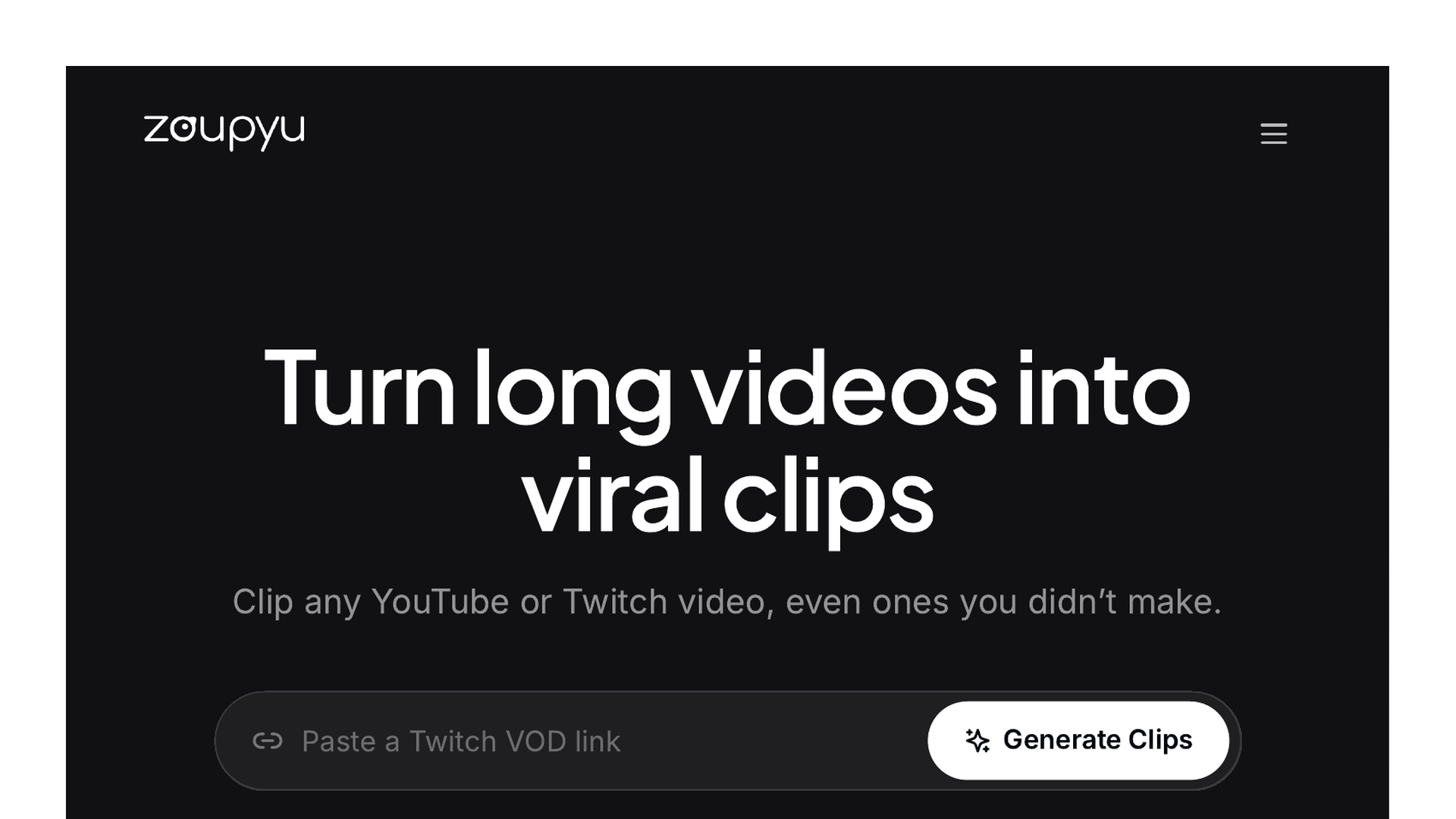
Zoupyu turns long videos into vertical clips with burned in captions, and I tested it free on two YouTube videos. The short answer: it works, the clips look good, there is no watermark even on the free plan, and the price is refreshingly simple. The catch is time. Each video took about 9 to 11 minutes from paste to finished clips, and only one HD download per video is free. If you repurpose long videos into Shorts, Reels or TikTok clips, Zoupyu is worth trying.
I signed in with Google and no card, and Zoupyu gave me 3 credits that never expire. I clipped an 8 minute Kurzgesagt story and a 3 minute TED talk, and each video cost 1 credit. The two videos produced 11 clips between them, and I downloaded one HD clip from each video at 1080 by 1920, with no watermark on either.
What Is Zoupyu?
Zoupyu is a clipper for creators and clipping agencies. You paste a YouTube or Twitch link, upload a video, or connect Google Drive, and its AI finds the moments worth clipping. You pick the moments, trim them to a whole sentence or to a tenth of a second, fix any caption words, and Zoupyu renders 9:16 vertical clips with burned in captions. It scores each clip from 0 to 99 on its own viral score, and it offers layouts including auto detect, facecam, split and talking head.
The founder is Vedansh Chauhan, based in India, and he describes Zoupyu as a solo build. He wrote on Hacker News in November 2026 that he left his job seven months earlier to build it full time and had around 50 paying customers, all organic. The site claims 15,000 plus clips made and 3,100 plus users, and its homepage also claims 5.0 out of 5 from 230 plus reviews, though I found no independent reviews to back that number up, so treat it as the company’s own claim, not verified customer sentiment.
Hands-On Test: How Zoupyu Actually Performed
In line with our editorial testing policy, my first test was The Egg, a short story by Kurzgesagt, an 8 minute and 6 second YouTube video. I pasted the link and clicked generate at 02:29 UTC. The moments were ready in about 3 minutes, with 7 moments found and an accurate transcript. I tested the editing tools: the tap to fix editor opened on the word incarnations, which was already correct, so I left it unchanged, and I removed a duplicate moment, which took the kept count from 7 to 6. Rendering took about 5 minutes, so the whole video took about 9 minutes from paste to finished clips. The 6 clips scored 91, 91, 89, 86, 86 and 84, and ranged from 25 seconds to 1 minute 13 seconds.

My second test was Matt Cutts, Try something new for 30 days, a 3 minute and 27 second TED talk. The moments were ready in about 4 to 5 minutes, with 5 moments found and all 5 kept. Rendering took about 6 minutes, so the total was about 11 minutes. The 5 clips scored 85, 85, 83, 80 and 79, and the transcript was accurate, including hiking up Mount Kilimanjaro and 1,667 words a day. After both tests my balance was 1 credit left of 3, though I noticed the header counter was slow to update and still showed 3 credits for a few minutes after the first test.
The downloads are the strongest part of the test. I downloaded the top clip from each video in HD: Every Person You Ever Met, 64 seconds and 17.0 MB, and Write a Novel in 30 Days, 59 seconds and 16.1 MB. Both are H.264 video at 1080 by 1920, full HD vertical, and I checked frames from both clips. The captions are burned in and look good, with the key word highlighted in a lime green pill. There is no Zoupyu watermark or logo in any frame I checked. That is rare on a free plan, and it is the single best reason to try Zoupyu.

Two quality issues are worth reporting honestly. First, several clips overlap heavily: the stretch from 5:00 to 6:36 was split into three clips, and one short clip is a subset of a longer one, so the 6 clips from the first video are not 6 distinct moments. Second, the layout and subtitles preview uses unrelated stock placeholder footage, a bearded man and then an elephant, instead of the actual video, which is confusing until you realise the rendered clips themselves show the correct video. Neither issue breaks the tool, but both are the kind of thing you only find by testing.
Free Plan vs. Real Pricing (And Hidden Limits)
The free plan gives you 3 credits, each clipping up to 10 minutes of video, up to 7 clips per video, burned in captions with the language auto detected, a preview of every clip, and 1 clip per video in HD free. There is no subscription, no card and no watermark on any plan. Credits never expire, which is the most user friendly part of the pricing.
Paid plans are one time credit packs, not subscriptions. Starter is 9 dollars for 12 credits, Clipper is 19 dollars for 30 credits and is marked most popular, and Pro is 49 dollars for 80 credits. On paid packs one credit clips 1 hour of video, with up to 22 clips per video, every clip in HD, HD previews and priority processing. Pro adds dedicated support. A single video unlock costs 2.99 dollars and gives you every clip from that one video in full quality, with no expiry date. The pricing page itself points out that three unlocks cost about what Starter does, and Starter unlocks every video you make from then on, plus 12 credits, so past the second unlock, buy the pack.
| Plan | Price | Credits | Video per credit | Clips per video | HD downloads |
|---|---|---|---|---|---|
| Free | 0 dollars | 3 | 10 minutes | Up to 7 | 1 per video |
| Starter | 9 dollars one time | 12 | 1 hour | Up to 22 | Every clip |
| Clipper | 19 dollars one time | 30 | 1 hour | Up to 22 | Every clip |
| Pro | 49 dollars one time | 80 | 1 hour | Up to 22 | Every clip |
| Single video unlock | 2.99 dollars one time | 0 | This video only | All clips | Every clip |

The hidden limits are the download rule and the speed. Only 1 HD download per video is free, and a second download from the same video opens a 2.99 dollar unlock offer. Clips beyond 7 per video, HD previews and priority processing are also paid only. An hour of video takes about half an hour to process at the median, according to the site, and clips can run up to 3 hours in one pass. One more term worth knowing: clips made from public YouTube or Twitch links are shown to other signed in users on the Slaps feed by default on free accounts, while uploads and Google Drive videos never appear there. That setting turns off once an account has ever paid.
Pros
- No watermark on free: Both downloaded clips are 1080 by 1920 with no Zoupyu logo in any frame I checked.
- Real free value: 3 credits, 1 HD download per video, and credits that never expire.
- Accurate transcripts and captions: Both test videos were transcribed correctly, with clean burned in captions and a highlighted key word.
- Human control before rendering: You pick moments, trim to a sentence or a tenth of a second, and fix caption words first.
- Honest one time pricing: Credit packs from 9 dollars, no subscription, no auto renewal, unused credits refundable within 14 days.
Cons
- Slow: Each test video took about 9 to 11 minutes from paste to finished clips.
- Overlapping clips: Several clips cover the same stretch of video, so 6 clips are not 6 distinct moments.
- Only 1 free HD download per video: The rest of a video costs 2.99 dollars to unlock, or a credit pack.
- Confusing preview: The layout preview shows unrelated stock footage instead of your own video.
- Credit counter lags: The header still showed 3 credits for a few minutes after the first test used one.
What Real Users Are Saying
I found no independent user reviews for Zoupyu on G2, Trustpilot, Capterra, Product Hunt, Reddit, Hacker News or X as of 14 November 2026. The founder’s own Hacker News post is the only community discussion I found, and it reports about 50 paying customers, which is the founder’s own claim, not independent feedback. Zoupyu’s homepage claims 5.0 out of 5 from 230 plus reviews, but no review page or third party source could be found to verify that number, so I am not treating it as customer evidence. Directory listings on AlternativeTo and PeerPush repeat the product description with no user review text. That means this review rests on my own test, and readers should weigh the free plan itself rather than other people’s opinions, because there are none to check yet.
Who Should Use Zoupyu (And Who Should Skip It)
Zoupyu suits creators who turn long YouTube videos, Twitch streams or podcasts into Shorts, Reels or TikTok clips and want clean captions with no watermark. The free plan is enough to test it properly on three videos, and the 9 dollar Starter pack is a fair next step if the clips perform. Skip it if you need clips in minutes rather than about 10 minutes per video, or if you need a prompt box to ask for a specific moment, because Zoupyu has no prompt box, one layout per video, and no post scheduler or brand templates. If you want faster clipping with a subscription model instead, Opus Clip or 2short.ai are the closest alternatives to compare.
Prelulu Review
If you want an interactive video creation suite with multiple template formats, explore our Prelulu review.
Frequently Asked Questions
Is Zoupyu really free?
Yes. The free plan gives you 3 credits, each clipping up to 10 minutes of video, with 1 HD clip download per video and no card required. Credits never expire.
Does Zoupyu add a watermark on the free plan?
No. Both HD clips I downloaded are 1080 by 1920 with no Zoupyu watermark or logo in any frame I checked, and the site says no watermark on any plan.
How much does Zoupyu cost per month?
Nothing per month. Zoupyu has no subscription. Credit packs cost 9 dollars for 12 credits, 19 dollars for 30, and 49 dollars for 80, and a single video unlock costs 2.99 dollars.
Can you use Zoupyu creations commercially?
The site says clips are yours to keep with no expiry date after an unlock or a pack, and the free HD download carries no watermark. Check the terms for the source video you clip, since clipping someone else’s video does not give you rights to their content.