I tested Lottie AI on 12 November 2026, two days after it launched on Product Hunt, and the free plan did something most free AI tools do not do: it let me finish the job. I signed up, generated two animations, recoloured one, resized it, and exported it as Lottie JSON, GIF and dotLottie, all without paying and without a watermark. The catch is the size of the free allowance, 10 generations in total, and once they are gone, they do not come back.
If you need a loader, a pulsing dot, a checkmark or a small UI animation for a website or an app, this is worth trying on the free plan. If you need motion every week, you will hit the paid wall fast, and the $19.99 a month Individual plan is the first rung.
What Is Lottie AI?
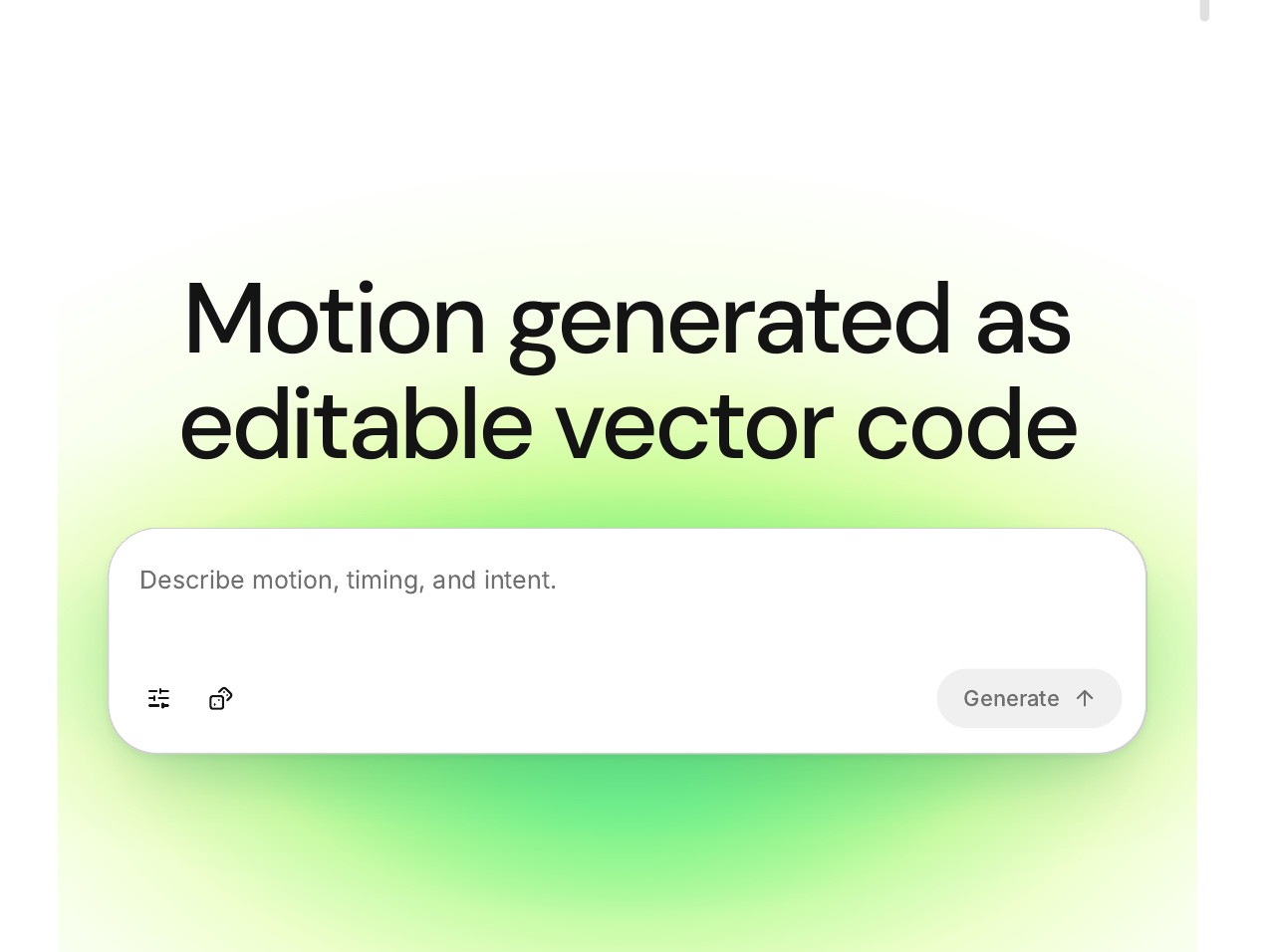
Lottie AI is a text to animation generator from LottieFiles, the company behind the Lottie animation format and library. You describe the motion you want in plain words, and it builds a real, editable vector animation, not a video file. That matters because a vector animation stays light, scales to any size, and can be recoloured, restyled and resized without generating it again. It launched on Product Hunt on 10 November 2026, finishing 7th Product of the Day with 137 upvotes at first count, 39 comments, and 20 Product Hunt reviews at 4.85 out of 5.
The generator has two modes. Turbo is for quick ideas, and the site says it takes about a minute. Quality is for a polished result, and the mode menu estimates 4 to 18 minutes. A third fidelity setting, Detailed, is greyed out on the free plan. You can take any result into Lottie Creator for finer edits, and export it as Lottie JSON, dotLottie, GIF, MP4, WebM, PNG sequence, SwiftUI or Jetpack Compose code.
Hands-On Test: How Lottie AI Actually Performed
In line with our editorial testing policy, one sign-up quirk is worth knowing: LottieFiles groups email domains into shared organisation workspaces, so if you register with a public disposable email domain, you can get dropped into a locked team workspace with zero credits. Signing up with a standard Gmail address worked cleanly and created a personal workspace on the Starter plan, free for life, with 10 generations left on the counter.

My first test was Turbo mode, with the prompt “a bouncing orange ball with a squash and stretch effect, looped”. It finished in 34 seconds, and the result was a 500 by 500 canvas, 60 frames, 2 seconds, with two objects, a ball and a shadow, and the ball visibly squashed and stretched as it bounced. The counter moved from 10 to 9 generations.
My second test was Quality mode, with the prompt “a loading spinner made of three pulsing dots, smooth loop”. The menu warned me it could take 4 to 18 minutes. It finished in 2 minutes 34 seconds, and the result was three bright cyan dots with a halo, again 500 by 500, 60 frames and 2 seconds. The counter moved from 9 to 8 generations. The app even suggested a follow-up: “Can you make the dots change colour as they pulse?”
My third test was editing, not generating. I opened the Controls panel, set Recolor Hue from 0 degrees to 120 degrees, and the dots turned magenta pink. I dragged the canvas right edge and the canvas changed from 500 by 500 to 570 by 500. I saved it as a new version, version 2, and the balance stayed at 8 generations, because edits without regenerating are free. One small quirk: after saving, the Hue slider reset to 0 degrees in the panel even though the saved version stayed pink.

Exports were the pleasant surprise. On the free plan, with no paywall in the way, I exported the edited animation as Lottie JSON (48 KB), as an animated GIF (570 by 500, 30 FPS), and as dotLottie (about 4.9 KB). I saw no watermark on the canvas or in the export dialogs, and no resolution cap was shown or hit. The export dialog also listed MP4, WebM, Poster PNG, PNG sequence, sprite sheet, animated PNG, animated WebP, MOV ProRes, SwiftUI, Jetpack Compose and Frolic DSL, though I did not export every format.
Free Plan vs. Real Pricing (And Hidden Limits)
The free Starter plan gives you 10 Lottie AI generations, 5 Motion Copilot uses, 5 Raster to Vector uses and 10 Prompt to Vector uses, plus the LottieFiles Free plan with 5 file uploads and 20 MB of storage. Those 10 generations do not reset. They are a one-time allowance, tracked separately from paid credits, and free workspaces cannot buy more credits. Each generation costs 5 credits on a paid plan, so the free allowance is worth 50 credits, and a completed generation counts even if you do not like the result.
Paid plans are monthly only on the page I checked. There is no monthly or annual toggle, and a text search for “annual” found nothing, so I report monthly prices only. Individual costs $19.99 a month for 300 credits, refreshed monthly, or up to 60 generations, plus Motion Copilot up to 100 uses and unlimited file uploads, hosting, CDN and embeds with 10 GB of hosting, and 1 million plus premium animations. Team costs $24.99 a month for 600 credits shared across the workspace, or up to 120 generations, plus 50 GB of hosting. A Team+ tier is listed with custom credits, 500 GB of hosting and 5 to 50 editors, with no price published.
| Plan | Price | Generations | Key limits |
|---|---|---|---|
| Starter | $0, free for life | 10, one time | 5 file uploads, 20 MB storage, no credit top-ups |
| Individual | $19.99 a month | Up to 60 a month | 300 credits a month, 10 GB hosting |
| Team | $24.99 a month | Up to 120 a month, shared | 600 credits a month, 50 GB hosting |
The hidden limit that matters most is rollover, or rather the lack of it. Paid monthly credits reset at the start of each monthly cycle and do not roll over. Add-on credits are the exception: they stay in your workspace until used while you have an active paid plan, but they are lost if the plan is cancelled or ends. On the free plan, the other limit to know is commercial use, and here the news is good: the Lottie AI Terms say outputs made with Lottie AI may be used commercially and non-commercially on every plan, including free plans, though exported files carry metadata stating they were made with AI.

Pros
- Exports really work on free: Lottie JSON, GIF and dotLottie all exported with no paywall, no watermark and no resolution cap in my test.
- Fast Turbo mode: my Turbo animation finished in 34 seconds, and Quality took 2 minutes 34 seconds, well inside its 4 to 18 minute estimate.
- Edits are free: recolouring from cyan to pink and resizing from 500 by 500 to 570 by 500 cost 0 generations.
- Commercial use allowed: Lottie AI outputs may be used commercially on every plan, including free, per the Terms.
- No training on your work: the Terms state LottieFiles does not use your prompts, imported files or outputs to train AI models.
Cons
- Only 10 free generations: the allowance is one time, it does not reset, and free workspaces cannot buy more credits.
- Detailed fidelity is locked: the Detailed setting is greyed out on Starter, and credit top-ups are not included on the free plan.
- Rough sign-in: Google sign-in escalated to a phone push, and a temp email account was blocked by a shared workspace warning.
- Unreliable balance pane: the balance panel repeatedly showed “Your balance could not be loaded”, and only the top bar counter was reliable.
- No annual discount published: the pricing page shows monthly prices only, with no annual option to bring the $19.99 a month down.
What Real Users Are Saying
Real feedback on Lottie AI itself is still thin, because it launched two days before my test, so I checked the wider LottieFiles record and I am clear about which is which. On Product Hunt, the Lottie AI launch is tracked under the LottieFiles product, with 20 reviews at 4.85 out of 5. The summary there calls LottieFiles a reliable, go-to source for ready-to-use animations, especially for web, UI, Canva and Figma work, praising the large library, frequent updates, easy sharing and colour editing, while the complaints are that editing can feel confusing, the UX is sparse, and colour and team workflows still seem incomplete in places. I could not retrieve the text of the 39 individual launch comments, so I do not invent themes from them.
On G2, LottieFiles scores 4.4 out of 5 from 18 reviews. Users praise easy Figma integration, the extensive library of customisable animations, lightweight files and good designer to developer handoff. The complaints are pricing that feels too high as features move from free to premium, limited customisation without After Effects or JSON knowledge, and bugs, especially in the After Effects plugin. On Trustpilot, LottieFiles scores 3.2 out of 5 from 73 reviews, and the tone is harsher: fast and effective support is praised, but reviewers complain about annual billing confusion, with one saying they expected about $20 a month and were charged the full annual amount upfront, about free allowances being cut, and about cancellation flows that show a cheaper option only after confirming you will lose file access. An independent editorial review, NubiaPage, rates LottieFiles 2.8 out of 5 and makes the same point: the free tier is thin, with 5 files and 20 MB of storage, and billing clarity is weak. I found no Reddit thread and no Hacker News thread about Lottie AI in my checks.
Who Should Use Lottie AI (And Who Should Skip It)
Use Lottie AI if you build websites or apps and you need a few small animations: loaders, pulsing dots, checkmarks, empty states, or a bouncing ball for a demo. The free plan covers that job well, the exports are real files you can ship, and the vector output stays light. It is also a good fit if you want to try text to animation without learning After Effects, because Turbo mode gives you a usable first draft in under a minute.
Selects Review
If you need AI video editing, footage curation, and short-form clip trimming rather than vector animations, check our Selects review.
Skip it, or at least do not pay for it yet, if you need motion every week, if you need complex character animation, or if you need the Detailed fidelity setting. In that case, Rive is the stronger pick for interactive, state-driven animation, and Adobe After Effects remains the standard for complex motion work. If you only need ready-made animations and no generation at all, the LottieFiles library on the free plan may be enough without spending a generation.
Frequently Asked Questions
Is Lottie AI really free?
Yes, the Starter plan is free for life and gives you 10 Lottie AI generations, with exports included. Those 10 do not reset, and free workspaces cannot buy more credits, so the free plan is a real trial, not an ongoing allowance.
Does Lottie AI add a watermark on the free plan?
No watermark appeared on my canvas or in my export dialogs, and I exported Lottie JSON, GIF and dotLottie on the free plan. Exported files do carry metadata stating they were made with AI, per the Terms.
How much does Lottie AI cost per month?
Starter is $0, Individual is $19.99 a month for up to 60 generations, and Team is $24.99 a month for up to 120 generations shared across the workspace. All prices are monthly on the pricing page I checked, with no annual price published.
Can you use Lottie AI creations commercially?
Yes, the Lottie AI Terms say outputs may be used commercially and non-commercially on every plan, including free plans. Keep the AI-made metadata on exported files where the law requires it.