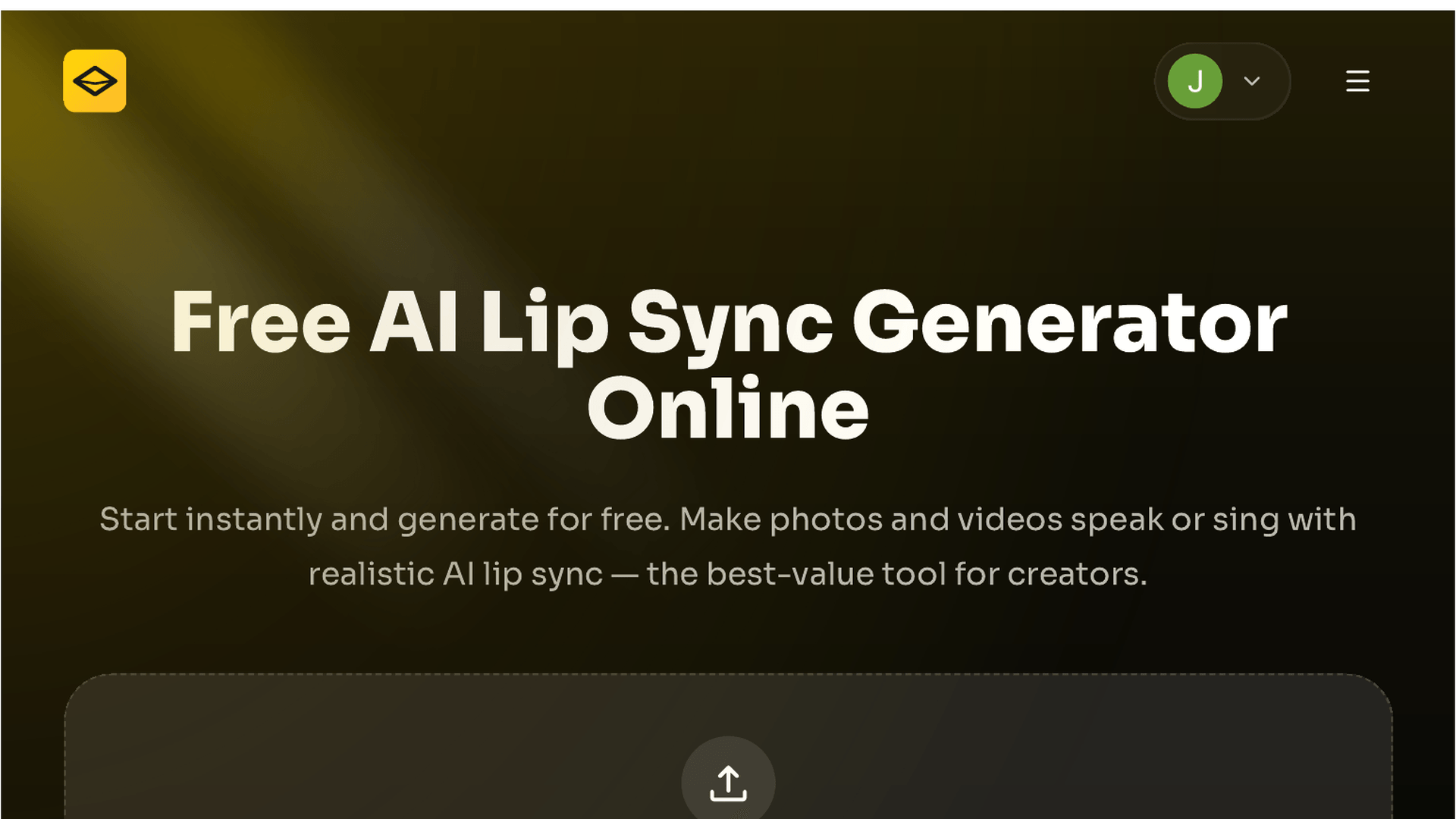
FreeLipSync turns a photo or a short video into a talking clip, and the free plan actually lets you do it without signing up. I generated three clips in my test, two with text and one with a talking dog, and the voices sounded clear and natural. The catch is the free plan itself: clips stop at 20 seconds, downloads are low resolution, and anything commercial needs a paid plan.
I signed in only when I needed to download, using Google, with no card required. The Fast model finished in about a minute, the Max model took up to 16 minutes, and a 50 percent off first-month offer popped up after sign-in with no visible close button. If you want quick, short, fun talking photos for free, this is worth trying. If you want long videos, HD downloads, or commercial use, expect to pay.
What Is FreeLipSync?
FreeLipSync is a browser-based lip-sync tool that makes photos and videos speak or sing. You upload a portrait or a face video, then drive it with typed text, uploaded audio, a mic recording, or a cloned voice. It also offers talking photos, video dubbing, singing photos, music videos, two-person clips, and cartoon and pet talk, in a claimed 500 plus languages and accents.
It launched around March 2026, with a Product Hunt listing published on 10 March 2026, and it has grown fast for a new tool: Toolify reports 214.1K monthly visits. I could not find a named founder or a company address on its site or its Product Hunt page, which is worth knowing before you hand it your photos. Its own marketing calls the tool uncensored, so use it only with photos you have the right to animate, and only with consent from the person in the picture.
Hands-On Test: How FreeLipSync Actually Performed
In line with our editorial testing policy, my first test used a full-body video of a woman walking, which was a poor sample for judging lip sync because her face was small and out of frame at 0:06. I typed a 124-character script, picked the Fast model and the Friendly Women voice, and the 7-second clip finished in about 60 to 70 seconds. The voice was clear, natural American English and fully intelligible. The preview carried a small FreeLipSync badge, and the low-resolution download (324×574) worked after I signed in.

My second test was stronger. I used a clear front-facing photo of a man, the Max model, and a 112-character Spanish script with the Energetic Male voice. The Spanish audio was clear and natural with Spanish pronunciation, and his mouth was visibly animated. But Max was dramatically slower than Fast: it sat at 15 percent after a few minutes and only 21 to 22 percent five minutes later, with a site estimate of 3:13 PM that proved far too pessimistic. The 6-second clip was ready by 2:27 PM, up to 16 minutes in total. Trying a second generation in parallel was blocked with the message that my plan runs 1 at a time.
My third test was the most fun. In the Talking Pet tool I used the sample golden retriever, the Fast model, and a 111-character script about snack time coming earlier. It finished in about 60 seconds, the voice was clear and natural, and the dog’s mouth and tongue visibly animated. The low-resolution download (288×288) worked, while the original 960×960 version would have used 1 Pro credit.

Three things stayed untested on the free plan. The singing photo workflow uses the Music model, which is disabled on free. Audio downloads need a paid plan. And I did not test audio upload, because I had no audio file to hand and the mic option failed in my test setup, so my tests used typed text throughout.
Free Plan vs. Real Pricing (And Hidden Limits)
The free plan is genuinely usable: 20 seconds per video, 133 characters, 1 video at a time, uploads up to 50 MB, and low-resolution downloads after a free sign-in. There is no numeric credit counter anywhere in the interface, so the limits are stated in words, not in a balance that ticks down. Free outputs are for personal use only, not commercial use.
| Plan | Monthly price | Annual price | What you get |
|---|---|---|---|
| Free | $0 | $0 | 20 sec per video, 133 characters, 1 at a time, low-res downloads |
| Starter | $9.90 | $99 per year | 20 Pro Videos per month, up to 3 at a time, HD downloads, 800 characters |
| Pro | $69.90 | $699 per year | Unlimited Pro Videos, up to 10 at a time, up to 60 min per video, 16,000 characters |
| Creator Pack | $4.99 once | Not applicable | 5 Pro Videos in original resolution, 20 audio downloads, never expires |
Two directory figures are out of date, so do not trust them. Starter is $9.90 a month, not $4.99: $4.99 is the one-time Creator Pack. Free clips are 20 seconds, not 30. Annual billing saves 17 percent on Starter and Pro. Subscription Pro Videos do not roll over, and they reset every 30 days. One-time Starter ($14.90) and Pro ($99.00) are valid for one month only, with no refunds after activation. Billing runs through Stripe, and plans auto-renew until you cancel in Settings, Billing.

One more limit to know before you upload anything personal. The terms grant FreeLipSync a non-exclusive, irrevocable, worldwide, royalty-free, sublicensable licence to your outputs, subscriptions auto-renew with no refunds stated, and the service may require ID verification. That is an unusually broad licence for a free tool, so I would not upload sensitive photos or anything you would not want reused.
Pros
- Free generation with no sign-up: I made my first clips without an account, a card, or a phone number.
- Watermark-free downloads: Downloads are advertised watermark-free, even on the free plan, though previews carry a small badge.
- Clear, natural voices: English and Spanish scripts both sounded natural and were fully intelligible.
- Fast model is genuinely fast: Two of my three clips finished in about 60 seconds.
- Many workflows in one place: Talking photos, dubbing, singing photos, music videos, two-person clips, and talking pets.
Cons
- Max model is very slow: My Spanish clip took up to 16 minutes, against a site estimate that proved far too pessimistic.
- Free clips stop at 20 seconds: 133 characters is enough for a short line, not a full message.
- Free downloads are low resolution: 324×574 and 288×288 in my tests, with original resolution costing a Pro credit.
- Free outputs are non-commercial: Commercial use needs Starter, Pro, or a Creator Pack.
- Pushy first-month offer: A 50 percent off offer popped up after sign-in with no visible close button, and I had to claim it to continue.
What Real Users Are Saying
There are no scored reviews of FreeLipSync on G2, Trustpilot, Capterra, Product Hunt, or Toolify, and no Reddit threads or X posts surfaced in my search on 13 November 2026. The only user comments I found anywhere were two on SaaSHub. One, from a marketing manager at remover.work, praised the simple setup and good lip-sync on short clips with a clear face and clean audio, but that employer sits in the same product family as FreeLipSync, so I would not treat it as fully independent. The other, from an anonymous guest, said only that they generated a video within a minute without signing up.
Editorial hands-on roundups tell a consistent story. They praise the same things I found: no sign-up, no watermark, no card, and generation in under a minute on short clips. They also warn about the same limits: free clips capped at about 20 seconds, quality that is solid for casual use but not studio-grade, occasional mouth artefacts on side profiles and fast speech, and results that depend heavily on the quality of the source image. I found no complaints about billing, cancellation, or paid watermarks, because no paying-customer reviews exist at all.
Who Should Use FreeLipSync (And Who Should Skip It)
FreeLipSync suits creators who want a quick talking photo, a dubbed clip, or a funny talking pet video without installing software or paying first. It is a good fit for short social clips, birthday messages, and testing an idea before you commit money. The free plan is enough to learn whether the voices and lip sync work for your face and your script.
Orylia AI Review
If you want interactive talking avatars and multi-model video generation rather than standalone audio dubbing, see our Orylia AI review.
Skip it if you need long videos, HD downloads, commercial use, or singing photos, because all of those need a paid plan, and the singing workflow is locked on free. If you need precise, studio-grade lip sync for a client video, a trained-avatar tool such as HeyGen or D-ID is a better fit, and you should test the Max model on a short clip first, because 16 minutes for 6 seconds is a real cost in time.
Frequently Asked Questions
Is FreeLipSync really free?
Yes, for short personal clips. The free plan gives you 20-second videos with up to 133 characters, one generation at a time, and low-resolution downloads after a free sign-in, with no card required.
Does FreeLipSync add a watermark on the free plan?
Previews carry a small FreeLipSync badge, but downloads are advertised as watermark-free, even on the free plan. My low-resolution downloads worked, and the original-resolution versions cost 1 Pro credit each.
How much does FreeLipSync cost per month?
Starter costs $9.90 a month or $99 a year, and Pro costs $69.90 a month or $699 a year. A one-time Creator Pack costs $4.99 for 5 Pro Videos in original resolution.
Can you use FreeLipSync creations commercially?
No, not on the free plan. Free outputs are for personal use only. Commercial use needs Starter, Pro, or a Creator Pack.