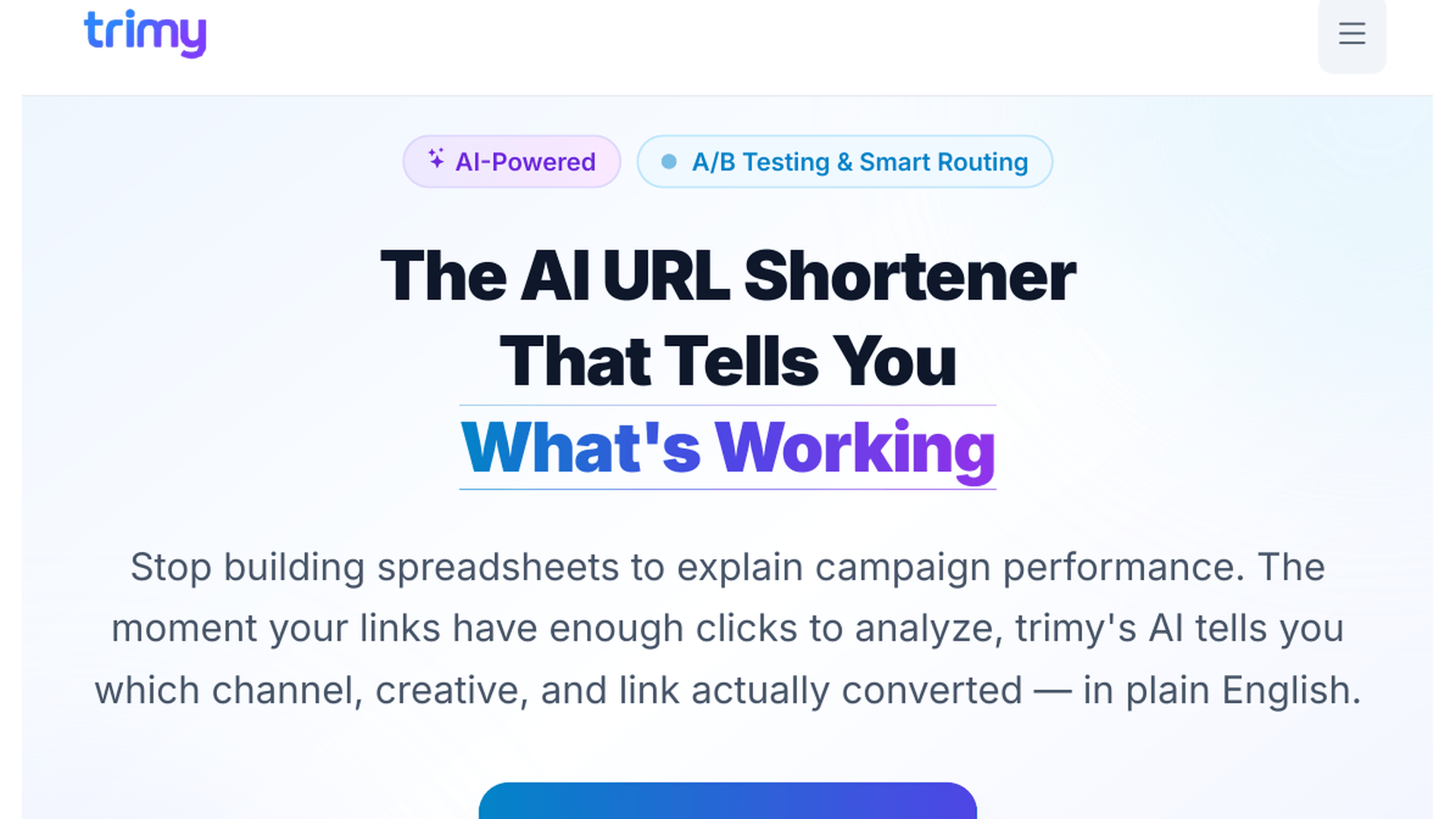
I signed up for Trimy on 14 November 2026 to test a simple promise: a link shortener that does not just count clicks, it tells you what those clicks mean. The free plan gave me 30 links a month, 40 AI chat messages, and no card was required at any point. After three real tasks, my verdict is mixed. The core shortening, QR codes, and link-in-bio page all work, and the AI narrative eventually wrote a sensible summary of my 12 test clicks. But the AI also miscounted my clicks once, Guided-mode UTM tags silently failed on one link, and the headline A/B testing feature is blocked on the free plan even though its setup wizard lets you build the whole campaign first.
Trimy is worth a try if you want a free shortener with plain-English analytics for a small campaign. It is not the tool to pick if A/B testing is the feature you actually need, because that costs at least $12.99 a month, and the AI insights need enough real traffic before they say anything useful.
What Is Trimy?
Trimy (trimy.io) is an AI-powered link shortener and campaign analytics platform, built by Faryonix Solutions. You paste a long URL, it gives you a short trimy.io link, and it tracks clicks, QR scans, and UTM campaigns. Its selling point is an AI layer that reads your click data and writes campaign summaries, health scores, and suggestions in plain English, plus A/B testing with automatic optimization on paid plans. It launched in November 2026, and I found no independent user reviews for it on G2, Trustpilot, Product Hunt, Reddit, or X as of 14 November 2026.
Hands-On Test: How Trimy Actually Performed
In line with our editorial testing policy, I signed in with Google, no card, and the dashboard loaded on the Free plan with 0 of 30 links used. My first task was shortening three links with UTM tags. I created trimy.io/unboxed-review pointing at unboxedai.tech, trimy.io/trimy-pricing-test pointing at Trimy’s own pricing page, and trimy.io/ai-wiki-test pointing at the Wikipedia article on artificial intelligence. That took about two minutes and used 3 of my 30 monthly links.

One of those three links exposed a real bug. I built the first link in Guided mode with UTM source unboxedai, medium social, campaign trimy-review, term ai-tools, and content hero-link. The UTM parameters never arrived: the preview and the final redirect landed on unboxedai.tech with no UTM string at all, and the UTM campaign showed 0 URLs. The other two links, where I typed the UTM string into the URL itself, kept the full UTM string in the final destination, which I verified in the address bar. Every short link also opens a preview page with a 2 to 3 second countdown before it redirects, which is worth knowing if you care about a clean click-through experience.
My second task was QR codes and a link-in-bio page. I made one QR code pointing at the UnboxedAI link, Square style with a Scan Me frame, which used 1 of my 10 monthly QR generations and left 9. Downloads are free at 512px and 1024px in PNG, SVG, or JPEG, while 2048px is paid only. The QR itself carries no Trimy logo or watermark, only the frame I chose. I also published a bio page at trimy.io/bio/unboxedai-review with all three links, using the Retro template. It went live and worked, with a small footer link back to trimy.io. One quirk: creating the QR also created a fourth short URL that does not appear in the Links list, so Analytics reported 4 total URLs while the Links counter said 3.
My third task was the AI layer, and this is where the test got interesting. I clicked each link myself four times, taking the total from 3 clicks to 12, all from Finland on desktop. I asked the AI chat for a summary of my campaign performance. It answered in about 15 seconds and cost 2 of my 40 monthly chat messages, but its numbers were wrong at the time: it reported 6 clicks, 2 per link, when Analytics showed 3 clicks, 1 per link. It appears to have counted preview-page engagements, which showed 6, as clicks. The Analytics Narrative button said Not enough data yet at 3, 6, and 9 clicks, then succeeded at 12 clicks for 1 of my 10 monthly narratives in about 10 seconds: all 12 clicks came from Finland on desktop, evenly split between referral and direct, with no growth base to measure performance. That summary was accurate and honest about its own limits.

The A/B test was the disappointment. I built the full campaign in the wizard, Trimy Review A/B, UnboxedAI vs Pricing, 50/50 fixed traffic split, unique clicks on, 302 redirects, and then Launch Campaign was blocked with a red FEATURE_NOT_AVAILABLE error. A/B testing is a premium feature: Free gets 0 campaigns, Starter gets 3, Professional 25, Business 100, and the A/B page itself says it is available on Professional and Business plans. Letting me build the whole test before telling me I cannot run it is a poor free-plan experience. The Health Score was also out of reach: the campaign button stayed disabled for not enough clicks, and the AI Tools Score my campaign action failed twice with a generic error, because the UTM campaign I created had 0 URLs attached after the Guided-mode UTM failure.
Free Plan vs. Real Pricing (And Hidden Limits)
The free plan is genuinely usable for a small campaign: 30 URLs a month, 10 QR generations, 14-day analytics retention, 750 API requests a month, 1 custom domain, 40 AI chat messages, 15 smart short codes, 10 analytics narratives, and 10 campaign health scores a month. What it does not give you is A/B testing (0 campaigns), conversion tracking (0), retargeting pixels, expiring links, editing a destination URL after creation, deep links, premium bio templates, or routing rules. Paid plans auto-renew and fees are non-refundable except where required by law, with a 3-day grace period on a failed payment. The terms also warn against submitting sensitive personal or confidential information to the AI features.
| Plan | Monthly price | Annual price | Key limits |
|---|---|---|---|
| Free | $0 | $0 | 30 URLs a month, 10 QR codes, 14-day retention, no A/B testing |
| Starter | $12.99 | $8.99 a month, billed $107.88 a year | 1,500 URLs, 150 QR codes, 3 A/B tests, 60-day retention, 7-day free trial |
| Professional | $39.99 | $24.99 a month, billed $299.88 a year | 15,000 URLs, 3,000 QR codes, 25 A/B tests, 120-day retention, 14-day trial |
| Business | $99.99 | $74.99 a month, billed $899.88 a year | 100,000 URLs, 10,000 QR codes, 100 A/B tests, 365-day retention |

There is no verified promo code. A third-party listing mentions BETALIST30, but the words promo and BETALIST do not appear anywhere on trimy.io, and there is no promo-code field on the pricing, homepage, or upgrade pages, so I did not use it and you should not count on it.
Pros
- Free plan that actually works: 30 links, 10 QR codes, a custom domain, and 40 AI chat messages a month with no card required.
- Clean QR codes and bio pages: No Trimy watermark on the QR I made, free downloads up to 1024px, and a bio page that went live in minutes.
- Honest AI narrative at 12 clicks: The summary was accurate about my traffic and said plainly that 12 clicks from one country are a headline, not a trend.
- Clear pricing: Four tiers with monthly and annual prices, trial lengths, and exact quotas published on the pricing page.
- Fast shortening: Three UTM-tagged links created in about two minutes.
Cons
- Guided-mode UTM tags silently failed: My first link lost its UTM parameters entirely, and the campaign showed 0 URLs.
- AI summary miscounted clicks: It reported 6 clicks when Analytics showed 3, apparently counting preview engagements as clicks.
- A/B testing is blocked after a full setup: The wizard lets you build the campaign, then launch fails with FEATURE_NOT_AVAILABLE on Free.
- Health Score stayed out of reach: Gated behind click volume, and the AI scoring action failed twice on a campaign with 0 attached URLs.
- Preview interstitial on every link: A 2 to 3 second countdown page sits between the short link and the destination.
What Real Users Are Saying
I found no independent user reviews for Trimy on G2, Trustpilot, Product Hunt, Reddit, or X as of 14 November 2026. G2 indexes the product with a vendor description but shows no rating or review count, Trustpilot has no page for trimy.io, and no Product Hunt launch page or Reddit discussion surfaced. The only third-party coverage I found was an editorial directory overview that praised the AI campaign analysis, real-time analytics, and free-plan custom domain, and noted that AI features are capped by monthly quotas and advanced experimentation needs a paid plan. That is an editorial view, not a customer review, so the honest summary is that real-user sentiment does not exist yet in public. If you are an early Trimy user, your experience would be among the first public ones.
Who Should Use Trimy (And Who Should Skip It)
Use Trimy if you run small campaigns and want short links, QR codes, and a bio page in one free place, with an AI summary that explains your clicks in plain English once you have real traffic. Skip it if A/B testing is your reason for signing up, because that is paid only and the free wizard wastes your time building a test you cannot launch. Skip it too if UTM accuracy is critical to your reporting: type the UTM string into the URL yourself rather than trusting Guided mode, and verify the first click lands with its parameters intact. Bitly remains the safer pick for scale and reliability, while Trimlink.ai is the closest AI-positioned alternative, starting at $19.00 a month against Trimy Starter at $12.99.
Squario Review
If you need branded URL shortening, link management, and custom redirect rules, check our Squario review.
Frequently Asked Questions
Is Trimy really free?
Yes. The free plan costs $0 forever with 30 links a month, 10 QR codes, and 40 AI chat messages, and I signed up without a credit card. A/B testing, conversion tracking, and expiring links are paid only.
Does Trimy add a watermark on the free plan?
No watermark appeared on the QR code I generated, and the bio page carries only a small trimy.io footer link. Short links do open a 2 to 3 second preview page before redirecting, which is the visible free-plan trade-off.
How much does Trimy cost per month?
Free is $0. Starter is $12.99 a month, or $8.99 a month billed annually at $107.88 a year. Professional is $39.99 a month, and Business is $99.99 a month, with annual discounts on both.
Can you use Trimy creations commercially?
Yes, the links, QR codes, and bio page you create are yours to use, and click analytics belong to the link creator. The terms prohibit fake clicks, and the AI features warn against submitting sensitive personal information.