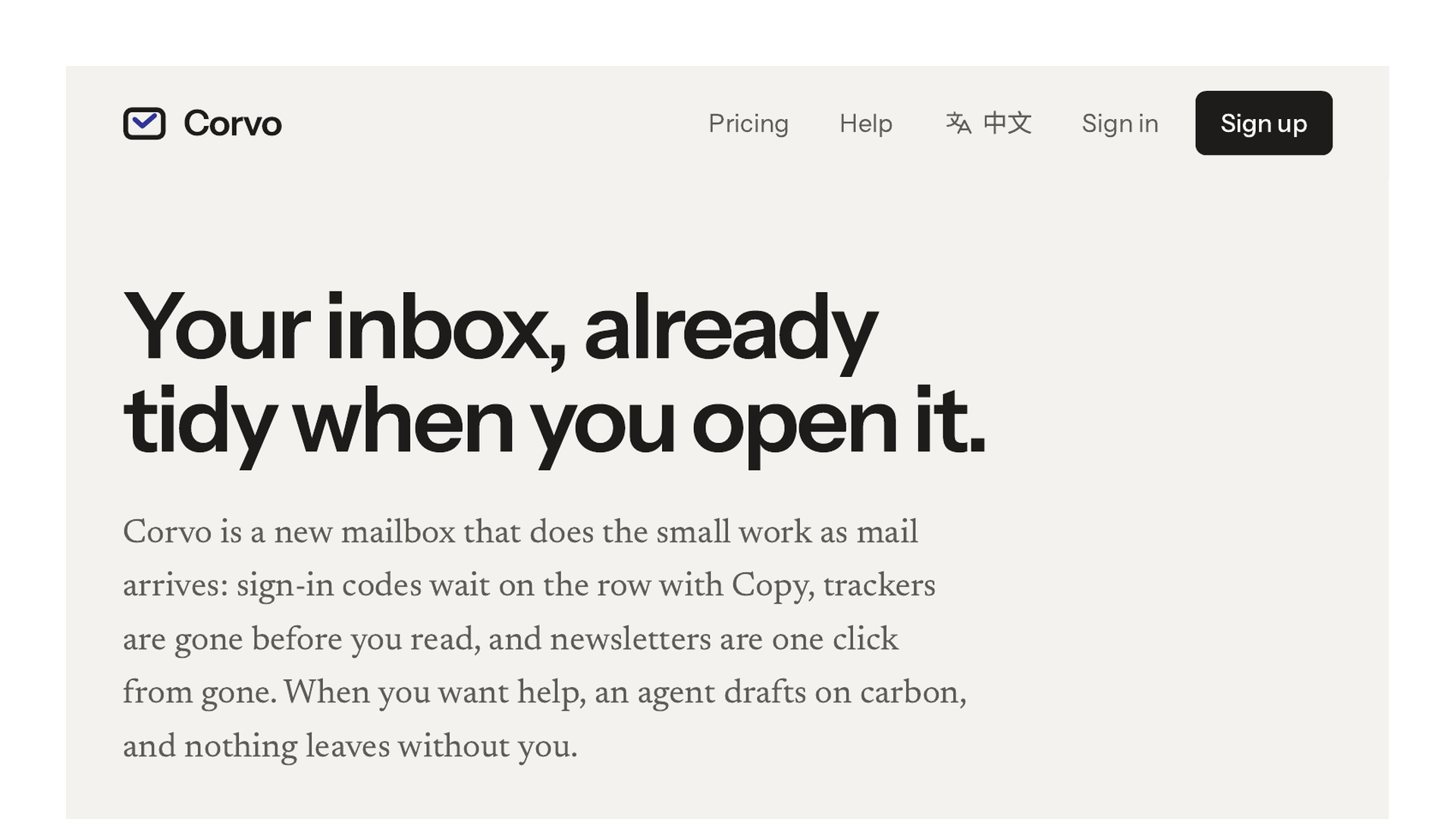
I signed up for Corvo on 14 November 2026 to test a simple promise: a mailbox that tidies itself as mail arrives. The free plan gave me my own address on corvo.cc, 500 MB of storage, and no card was required at any point. After a full morning inside the mailbox, my verdict is that it is worth trying. The sorting, the sign-in code row, the tracker blocking and the phishing warning all worked exactly as advertised, and the AI summary read a real invitation correctly twice.
The catch is the headline agent feature. Corvo markets agent drafts that wait for your approval, but there is no agent inside the mailbox itself. Drafts come from an outside agent connected through MCP, and I could not test that path with the tools available in my test. Everything I could test on the free plan worked, and the price of the paid tiers is low, but go in knowing this is early access software with a few rough edges.
What Is Corvo?
Corvo (corvo.cc) is a standalone mail provider and mailbox, not a Gmail wrapper. It is built by CodeNav Ltd, a UK company, and its founder XiaoDong launched it on Product Hunt on 3 November 2026. You get your own address on corvo.cc, mail is sorted into People, Updates and Promotions as it arrives, sign-in codes sit on the message row with a Copy button and auto-archive after 15 minutes, tracking pixels are stripped before you read, and scam attempts get a plain-language warning explaining what gave them away. It also offers one disposable address per site, a calendar that turns booking confirmations into suggestions, and agent grants that let your own AI agent draft replies which wait for your approval before anything sends. The web app is keyboard first, an iPhone app exists, and there is no Android app yet and no IMAP reading in mail apps yet. I found no independent user reviews for it on G2, Trustpilot, Capterra, Reddit, Hacker News, X or the App Store as of 14 November 2026.
Hands-On Test: How Corvo Actually Performed
In line with our editorial testing policy, I signed up with an email address, picked the name an-he-a-ocada on corvo.cc, and the mailbox loaded with six sample threads. That matters for honesty: Corvo loads samples into every new account, so my sorting, code, phishing and tracker checks ran on those samples, not on live inbound mail. The counts on load were People 3 unread, Updates 4 unread and Promotions 1 unread, and the sorting looked sensible, with a parcel delivery in People, a flight to Madrid in Updates and a houseplant newsletter in Promotions.

The sign-in code row is real and it is the best small feature here. A Brightpath code sat on the row with a Copy button and an expiry of 10 minutes, and the help pages confirm Corvo archives codes 15 minutes after they arrive. The phishing warning was just as direct. A sample message pretending to be Corvo security, asking me to verify my mailbox within 24 hours, carried a red warning that the name says Corvo but the sender domain is not Corvo, with buttons to move it to trash or block it. Tracker blocking showed its work too: a newsletter displayed Removed 3 trackers, with a one-click Unsubscribe, and the privacy settings confirm tracking pixels are removed on arrival, tracking tags are stripped from links, and images are proxied through Corvo instead of loading directly.
My second test was the built-in AI Summarize, which I ran twice on a Harbor Lane Studio open house invitation. Both runs worked and both got the facts right: open house Friday 20 November, 17:00 to 19:00, at the studio, with a note that no response or decision is shown and that the invitation asks me to RSVP. The wording varied slightly between runs and the summary does not persist when you reopen the thread, but the content was accurate. Each summary counted toward AI usage: I went from 0 percent of my session allowance to 1 percent after the first summary and 3 percent after the second plus draft work, with the week at 1 percent.

The third test was the draft flow, and this is where the limits showed. There is no compose with agent button in the New Message composer or in thread replies. Agent drafts arrive only through an external agent connected over MCP or a grant, and no such connector was available in my test, so I could not produce an agent-written draft. I verified what I could instead: I composed a manual draft to my own address, it auto-saved with a Saved status, I closed it without pressing Send, and Sent stayed empty at 0 of 10 sends. The Approvals view, where an agent draft would wait for me, was empty too. So the approval safety net is visible and well designed, but the agent itself is a bring-your-own piece, not something Corvo ships in the box.
Free Plan vs. Real Pricing (And Hidden Limits)
The free plan is genuinely usable as a second mailbox: 500 MB of storage, 50 sends a day (10 a day in the first week), 10 recipients per message, 1 agent with sends approved, 3 disposable addresses and 1 custom category. The safety features are free on every plan, which is the most likeable pricing decision here: tracker blocking, spam filtering, export, deletion and revoking an agent never cost anything. You pay for room, domains, addresses and AI usage. Paid plans auto-renew until cancelled, with a UK and EU 14-day cooling-off refund less the used period, and otherwise no part-period refunds. The terms also carry an early-access warning that things will change and some will break, and advise keeping copies of anything you cannot afford to lose. One privacy note worth knowing: a model at OpenAI reads new mail to sort and screen it, though OpenAI does not train on it, and turning sorting off in Settings, Privacy stops any mail being sent to OpenAI.
| Plan | Monthly price | Annual price | Key limits |
|---|---|---|---|
| Free | $0 | $0 | 500 MB, 50 sends a day, 1 agent, 3 disposable addresses |
| Go | $2 | $20 a year | 3 GB, 500 sends a day, mail app sending, 3x AI of Free |
| Plus | $5 | $50 a year | 10 GB, 1 own domain, any number of agents |
| Pro | $10 | $100 a year | 20 GB, 3 domains, API and webhooks, agents that send without asking |
| Max | $25 | $250 a year | 50 GB, 10 domains, 20x AI of Plus, support within a working day |

Yearly billing is 2 months free on every paid tier. In-app Apple prices run higher because of Apple commission, so Go is $2.49 a month in the App Store against $2 on the web. There is no verified promo code. I checked the homepage, the pricing page and the Product Hunt launch post, and none of them mentions a code, a discount or a launch offer.
Pros
- Sign-in code row that just works: The code sits on the row with Copy and auto-archive, and it is the single best reason to try Corvo.
- Phishing warnings with reasons: The fake Corvo mail was flagged with a plain explanation of what gave it away, not a generic alert.
- Tracker blocking is free and visible: 3 trackers removed from one newsletter, pixels stripped on arrival, links cleaned, images proxied.
- Safety features never paywalled: Tracker blocking, spam filtering, export and deletion are free on every plan.
- Cheap paid tiers: Go is $2 a month, Pro is $10, and yearly billing is 2 months free.
Cons
- Agent drafts need an outside agent: There is no built-in agent in the composer, so the headline feature depends on connecting Claude or ChatGPT over MCP.
- Tested on sample mail, not live mail: A new account loads six sample threads, so sorting and warnings were verified on samples, not on real inbound mail.
- No IMAP reading yet: You can send from Apple Mail or Outlook on paid plans, but reading in those apps is still on the roadmap.
- Small free allowance: 500 MB of storage and 10 sends a day in the first week will not carry a heavy inbox.
- Early access rough edges: Summaries do not persist on reopening a thread, and the terms warn that things will break.
What Real Users Are Saying
I found no independent user reviews for Corvo on G2, Trustpilot, Capterra, Product Hunt reviews, Reddit, Hacker News, X or the App Store as of 14 November 2026. The App Store page for the iPhone app says it has not received enough ratings or reviews to display an overview. The only real user voices I found are two short positive comments on the Product Hunt launch: Jonas Tan called the sign-in code a real life saver and asked about the roadmap, and Kyle, founder of MachineMail, praised the code copying and auto-archive detail and congratulated the solo maker on shipping. The only critical leaning note is the same Jonas Tan comment asking how hard it is to switch from an existing inbox and import context. Two independent write-ups, GPTOnline and Toolclove, both restate the official features and pricing positively, but neither carries user quotes. The honest summary is that Corvo is too new to judge from other users, and the early reaction is positive but thin.
Who Should Use Corvo (And Who Should Skip It)
Use Corvo if you want a free second mailbox that handles sign-in codes gracefully, strips trackers, and calls out scams in plain language, and if you are comfortable with early access software. It is a good fit for a privacy-minded reader who is happy to forward mail in while IMAP reading is still missing. Skip it if you need a full replacement for Gmail today: 500 MB, no IMAP reading, no Android app and no Gmail importer make migration a project, not a switch. Skip it too if the agent draft feature is your main reason for signing up, because that needs an outside agent you connect yourself. Superhuman remains the faster, more polished client for Gmail and Outlook power users at $25 to $33 a month, and Spark is the closest free-tier comparator at $5 a month for Premium, but neither gives you a free mailbox with tracker blocking and disposable addresses the way Corvo does.
NEXUPIRA Review
If you need dedicated AI teammates for calendar booking and customer quotation pipelines, take a look at our NEXUPIRA review.
Frequently Asked Questions
Is Corvo really free?
Yes. The free plan costs $0 forever with 500 MB of storage, 50 sends a day, and your own address on corvo.cc, and I signed up without a credit card. Paid plans start at $2 a month for more storage, addresses and AI usage.
Does Corvo add a watermark on the free plan?
No. There is no watermark anywhere in Corvo, and export and deletion are free on every plan, so your mail and your data are yours to take with you.
How much does Corvo cost per month?
Free is $0. Go is $2 a month, Plus is $5, Pro is $10, and Max is $25, with yearly billing at 2 months free. In-app Apple prices run higher, for example Go is $2.49 a month in the App Store.
Can you use Corvo commercially?
Yes, Corvo is a mailbox, so mail you send from it is yours to use for work or business. The terms cap liability at what you paid in the prior 12 months or 50 pounds if more, and warn that this is early access software, so keep copies of anything you cannot afford to lose.