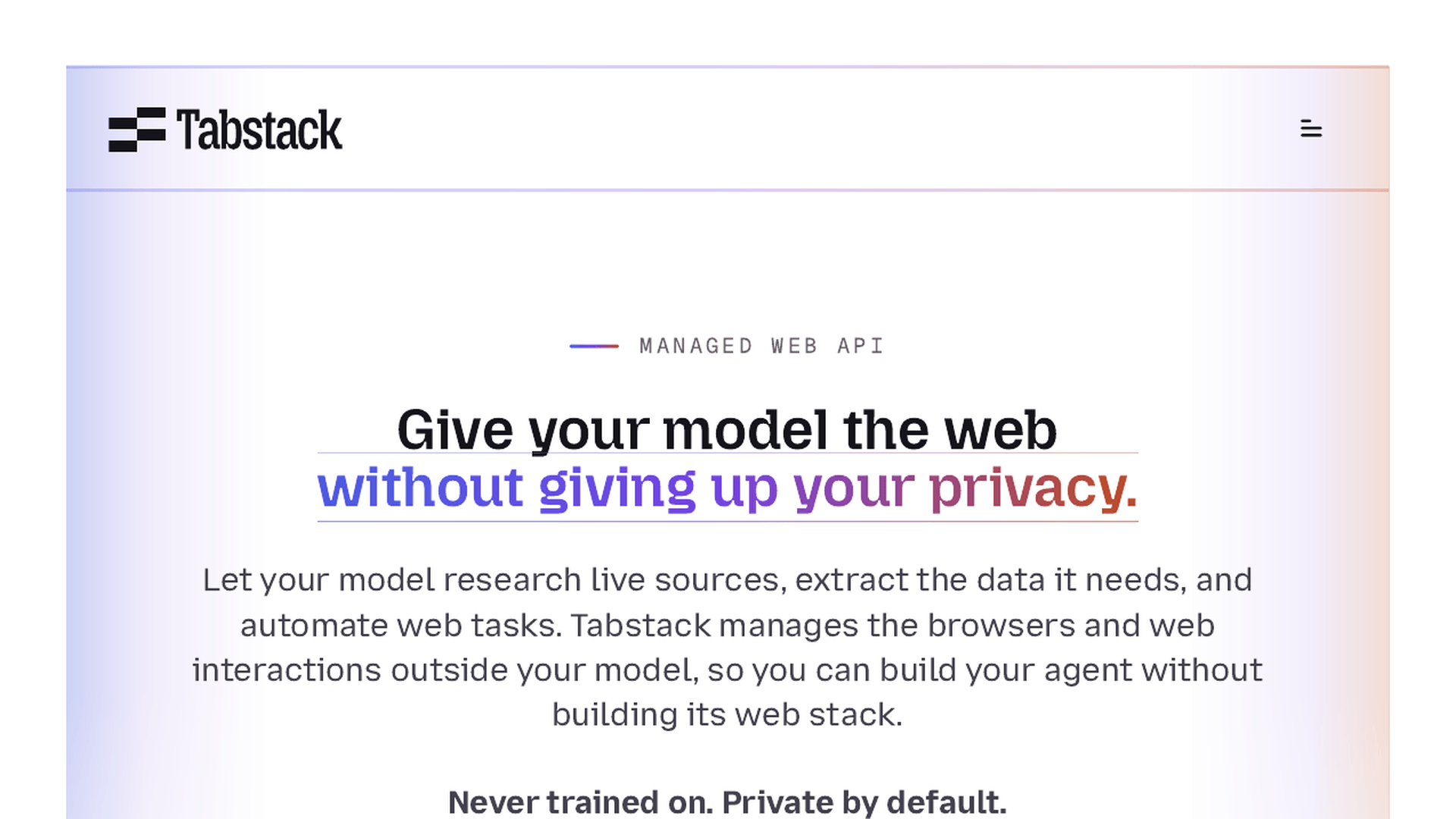
Tabstack is Mozilla’s managed web API that gives AI models live access to the web, and I tested it on the free plan on 22 November 2026. I signed up with Google, no credit card was asked for, and I started with 10,000 free credits. Extract and Automate worked beautifully, and then Research Fast, one of the four headline endpoints, failed twice in a row. That split result is the whole story of this review.
My quick takeaway: if you need clean page extraction or structured JSON from web pages, Tabstack is genuinely good and generous on the free plan. If you need its research answers, wait until Mozilla fixes Research, because on my test day it returned nothing at all.
What Is Tabstack?
Tabstack is a product of Mozilla New Products, the team behind Firefox, and it sells web execution as an API for developers whose AI systems need to read and act on the web. It has four endpoints: Research (cited answers from the live web), Extract (a page as Markdown or schema matched JSON), Generate (structured output from web content), and Automate (browser tasks). The engine behind it, Pilo, is open source under Apache 2.0 at https://github.com/mozilla/pilo, and a free tool called Schema Source at https://schema.tabstack.ai turns any URL into a JSON schema for extraction.
Tabstack first launched on Product Hunt in April 2026 and relaunched as Tabstack by Mozilla on 19 November 2026, its seventh Product Hunt launch, finishing number 8 of the day with 155 upvotes. There is no single founder to name, because it is a Mozilla team product, and support runs through support@tabstack.ai.
Hands-On Test: How Tabstack Actually Performed
Following our editorial testing policy, I ran four tests in the Tabstack console, all on the free Trial plan. My balance started at 10,000 credits and ended at 9,830, so the whole session cost 170 credits.
First, Research Fast. I asked it to research current AI tool launches, twice, at 11:44 and 11:45 EET. Both runs failed in under a minute with the message “Fast search failed” and “Search failed: 3/3 batches failed”. Both cost 0 credits, which matches the pricing docs: research calls that end in an error event are not charged. The failure looks like a broken endpoint in the playground on the test day, not an account or credit problem, but it meant I could not check any live source answer.
Second, Extract Markdown on https://unboxedai.tech. It succeeded in about 15 seconds for 10 credits and returned clean, complete homepage Markdown, 71,627 bytes, with article titles, dates, ratings, and links. I ran it a second time to capture a clean output screenshot, another 10 credits, same result.
Third, Extract JSON with a schema (site title, tagline, and articles with title, date, and rating) on the same site. It succeeded in about 20 seconds for 50 credits, and the output was accurate, for example SniffPup Review, 22 November 2026, 7/10. This is the feature I liked most: schema enforced extraction that actually matches the page.
Fourth, Automate on a public task with no login: open unboxedai.tech and report the first three article titles. It succeeded in 24 seconds for 100 credits and correctly named SniffPup Review, Qixel AI Review, and NEXUPIRA Review. I did not attempt a login gated task, because the hosted Automate cannot log in to sites.
Two things I did not test: Research Balanced at 350 credits, which is Team and Pro only, and Generate at 100 credits. I also tried Schema Source, which worked free with no sign-in and no credits, returning a valid JSON schema for unboxedai.tech plus Zod and Pydantic tabs.

There is no watermark or export limit to report, because the outputs are plain Markdown and JSON with copy buttons. The free plan limit I saw in the billing page was a 10 requests per minute rate limit, and the billing page noted detailed data collection is enabled, retaining data for 90 days.

Free Plan vs. Real Pricing (And Hidden Limits)
The free trial gives 10,000 credits on sign-up with no card required, and trial credits do not expire for the life of the account. Per action costs are Extract Markdown 10, Extract JSON 50, Generate 100, Automate 100, Research Fast 250, and Research Balanced 350. One catch from the docs: Extract and Generate bill one action per call, but Automate and Research bill per action, so one Research call can cost more than 250 or 350 credits.
| Plan | Price | Credits included | Notes |
|---|---|---|---|
| Free trial | $0 | 10,000 credits, one time | Fast Research only, 10 requests per minute, no card |
| Starter | $10 per month | 100,000 credits | All endpoints, Fast Research only, 15 requests per minute, overage $0.30 per 1,000 credits |
| Team | $99 per month | 500,000 credits | Fast and Balanced Research, 25 requests per minute, overage $0.30 per 1,000 credits |
| Pro | $499 per month | 3,000,000 credits | Fast and Balanced Research, 100 requests per minute, overage $0.25 per 1,000 credits |
| Enterprise | Contact sales | Custom quotas | Dedicated support and SLAs |
There is no annual pricing published on the pricing page or the docs pricing page. Paid plans auto-renew, paid credits expire at the end of each term and do not transfer, and cancelling gives no refund, though access continues to the end of the paid term. Overages are on by default for paid plans, with a Starter default cap of 300,000 overage credits, a $100 monthly ceiling. One terms flag worth knowing: you grant Mozilla a worldwide, royalty-free, perpetual, irrevocable licence to content you share, and you must not use the service to build your own AI models or to collect data that sits behind a login. On the privacy side, inputs and personal information are not used to train models. All prices above were checked on https://tabstack.ai/pricing and https://docs.tabstack.ai/pricing on 22 November 2026. Ignore the older Tabstack blog post on pricing, which lists much higher per action costs, and ignore third party pages that still show a removed $0 per month Individual plan.

Pros
- Generous free credits: 10,000 credits on sign-up with no card required, and trial credits never expire
- Accurate extraction: Extract Markdown and Extract JSON both worked first time and matched the page exactly
- Automate delivered: a public browser task finished in 24 seconds and named the right three articles
- Free Schema Source: schema generation for any URL with no sign-in and no credits
- Mozilla privacy backing: inputs are not used to train models, and the engine is open source
Cons
- Research Fast failed twice: both runs ended in under a minute with no answer, on the test day
- Balanced Research is paid only: Research Balanced needs the Team plan at $99 per month or above
- Research billing can surprise: Automate and Research bill per action, so one call can cost more than the listed 250 or 350 credits
- Paid credits expire: unused paid credits die at the end of each term, and cancellation brings no refund
- Broad licence grant: the terms give Mozilla a perpetual, royalty-free licence to content you share
What Real Users Are Saying
There are no independent Tabstack reviews on G2, Trustpilot, or Capterra, and none on Reddit or X that I could verify. Product Hunt shows 3 reviews at 5.0/5, but at least two of those are from maker or team affiliated accounts, so I do not count them as independent. The one full Product Hunt review text I could read praised schema enforced structured extraction and Mozilla privacy backing, and asked for batch extraction from multiple URLs in one call and a webhook or callback option for async jobs. A Show HN thread from 14 January 2026 discussed the launch, but it is a discussion, not a review score. In short, there is no independent customer verdict yet, only the maker community talking about it.
Who Should Use Tabstack (And Who Should Skip It)
Use Tabstack if you are a developer building an agent or a data pipeline that needs clean page text or schema matched JSON from public pages, and you want a free tier that actually lets you run real work. The 10,000 free credits cover roughly 1,000 Markdown extractions or 200 JSON extractions, which is a lot of testing. Skip it for now if research answers are your main use case, because Research Fast failed on my test day and Balanced Research is paid only. Firecrawl, Browserbase, Tavily, and Exa are the closest alternatives, and they are worth comparing if you need research that works today.
Clocked Review
If you want another structured-output developer API with generous free test credits and fast per-millisecond billing, see our Clocked review.
Frequently Asked Questions
Is Tabstack really free?
Yes, the free trial gives 10,000 credits on sign-up with no credit card required, and trial credits do not expire for the life of the account. Paid plans start at $10 per month for 100,000 credits.
Does Tabstack add a watermark on the free plan?
No. Tabstack is an API, and its outputs are plain Markdown and JSON with copy buttons, so there is no watermark and no export limit on the free plan.
How much does Tabstack cost per month?
Starter is $10 per month for 100,000 credits, Team is $99 per month for 500,000 credits, and Pro is $499 per month for 3,000,000 credits. Overage is $0.30 per 1,000 credits on Starter and Team, and $0.25 per 1,000 on Pro.
Can you use Tabstack creations commercially?
Outputs carry no watermark or export limit, so you can use extracted content in your own products, but the terms bar two things: using the service to build your own AI models, and collecting data that sits behind a login.