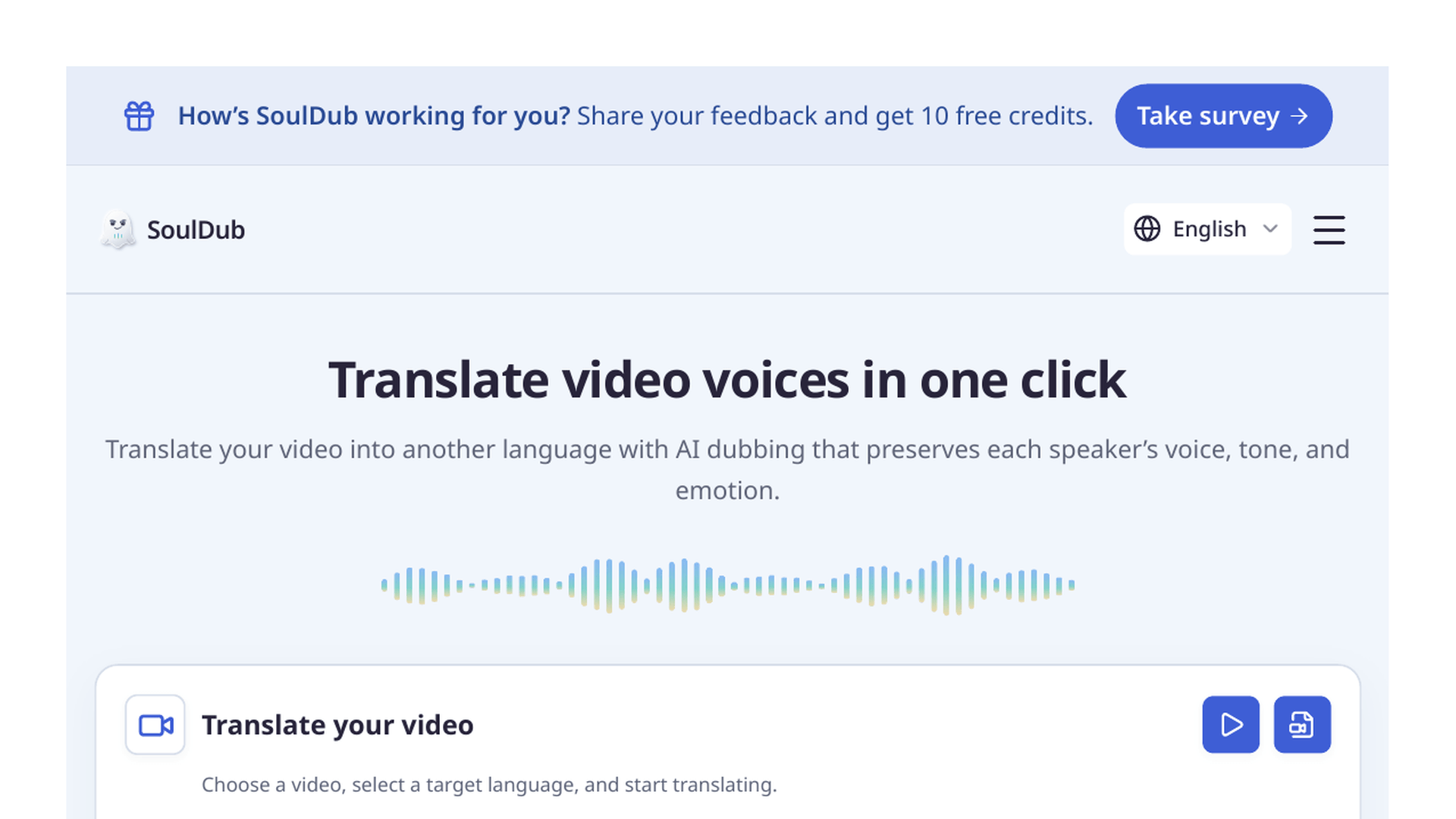
SoulDub turns a video into another language with AI dubbing that keeps the speaker’s voice, tone, and emotion, and I tested it on the free plan on 22 November 2026. I signed up with Google, no credit card was asked for, and I started with 10 credits a month. A 21 second English clip became a faithful Spanish dub for 3 credits, editing one subtitle line cost 1 more credit, and the downloaded video came back clean with no watermark.
My quick takeaway: SoulDub does what it promises for short clips, and the free plan is enough to test it properly. The catch is scale. Ten credits a month and a one minute cap mean this is a trial, not a tool you can publish with every week.
What Is SoulDub?
SoulDub is an AI video translation and dubbing platform that supports 30 plus languages and some dialects. You upload a video, it transcribes the speech, translates it, dubs it in a voice matched to the original speaker, and generates subtitles. You can then edit any subtitle line in the editor and regenerate just that segment’s speech, and download the finished video plus SRT subtitle files in the original, translated, or bilingual form.
It is a small, new product. The maker, who has not published a name, built it over about a year after watching an English tech video with Chinese subtitles and wishing for a Chinese audio version that kept the original voice and emotion. The earliest blog post I found is dated 1 October 2026, and Toolify listed SoulDub on 26 October 2026. There is no named founder and no company address published, so outreach goes to the support address, support@souldub.ai. The maker writes that human review and editing are core to the product, because AI alone cannot do it without human involvement.
Hands-On Test: How SoulDub Actually Performed
Following our editorial testing policy, I ran three tests on the free plan. My balance started at 10 credits and ended at 6, so the whole session cost 4 credits.
Test one was the translation itself. I used SoulDub’s own example clip, translation-demo.mp4, a 21 second animated scene, 28.4 MB, English to Spanish, all default settings, with loudness normalization on and burn subtitles into video off. The site showed an estimated cost of 3 credits before I created the task, which is exactly how the pricing page says it works. Upload and verification took about 1.5 minutes, processing ran from 11:46:59 to 11:50:01, just over 3 minutes, and the project showed as completed about 4 to 5 minutes after I clicked Translate video.
The Spanish dub played for the full 21 seconds with both speaker turns preserved, though the dubbed segments run slightly shorter and shifted against the originals. Subtitle accuracy was strong: 5 of 6 lines are faithful and idiomatic. “I can’t believe we got stuck with a tree hugger.” became “No puedo creer que nos tocara un ecologista.” and “Relax, sugar buns.” became “Tranquila, cariño.”. Line 002 dropped a word: “Oh, you cute little corneal spasm.” became “Ay, lindo espasmo.”, losing “corneal”. One limit of my test: I could only assess the audio through the browser’s live transcript, which rendered Spanish throughout matching the subtitle text, so I cannot verify by ear how closely the cloned voice matches the original speakers’ timbre.
Test two was editing. I changed line 002 in the subtitle editor from “Ay, lindo espasmo.” to “Ay, qué lindo espasmo.” and clicked Generate TTS, which quoted 1 credit and took about 1 to 2 minutes. The preview played the edited line in the same cloned voice. Applying it and clicking Update latest video took about 1 minute and cost 0 further credits, and the editor then showed “All current changes are already in the latest video”. Text editing itself is free; only regenerating speech costs credits.

Test three was the download. Download final video gave me an 8.2 MB MP4, down from the 28.4 MB source, so the output is re-encoded at a lower bitrate. I checked the file myself: 2580 by 1080 H.264, 20.26 seconds, AAC audio track present, and no watermark in any of the frames I sampled. Export assets also offered Vocals and Background Sound as WAV files and four subtitle formats, and I downloaded the bilingual SRT (626 bytes) and the translated SRT (389 bytes), both free. The bilingual file correctly shows my edited line 002, “Ay, que lindo espasmo.”

Free Plan vs. Real Pricing (And Hidden Limits)
The free plan gives 10 credits each calendar month, up to 1 minute per translation, up to 500 MB per upload, and 1 active job at a time. Unused free credits expire monthly. Credits pay for processing, not minutes, and SoulDub shows the estimated credit cost before you create or rerun a translation. My 21 second clip cost 3 credits, so the free 10 credits cover about three short translations a month. The site also shows a banner offering 10 free credits for completing a feedback survey, which I did not take, so that offer is unverified.
| Plan | Price | Credits | Notes |
|---|---|---|---|
| Free | $0 per month | 10 credits a month | Up to 1 minute per translation, 500 MB per upload, 1 active job, credits expire monthly |
| Standard | $39 per month, $390 per year | 360 credits a month | Up to 30 minutes per task, 5 GB per upload, up to 2 active jobs, priority parallel processing |
| Premium | $79 per month, $790 per year | 720 credits a month | Up to 30 minutes per task, 5 GB per upload, up to 3 active jobs, higher throughput batch processing |
| Enterprise | Contact us | Higher limits | Custom capacity and dedicated enterprise support, pricing and SLA on request |
Annual billing is 2 months free: Standard $390 a year instead of $468, Premium $790 instead of $948, with credits still issued monthly. Top-ups are 60 credits for $12, 200 for $38, and 500 for $90, valid 12 months, stackable with subscription credits. Subscription credits reset each billing month and do not roll over. Payment is by Stripe or PayPal. Two terms flags: subscription payments are non-refundable, including for unused periods and unused credits, and free credits may be revoked or expired at any time without notice. On the positive side, SoulDub does not use uploaded audio, video, text, or generated outputs to train or fine-tune models. Paid-only features I saw locked in the editor were Lip Sync, shown as an Upgrade to Unlock button, and Add New Language, shown with a lock icon. The pricing page also lists videos over 1 minute, 4K resolution, commercial use, and 2 to 3 simultaneous jobs as paid only. All prices above were checked on https://www.souldub.ai/en/pricing on 22 November 2026.

Pros
- Translation worked end to end: a 21 second clip dubbed into Spanish for 3 credits, with 5 of 6 lines faithful and idiomatic
- Editing is cheap and precise: one subtitle line regenerated for exactly 1 credit, and applying it cost 0
- Clean free downloads: the finished video came back at full 2580 by 1080 with no watermark, plus free SRT exports
- Quote before you spend: the estimated credit cost shows before every task, so there are no surprises
- No card to start: Google sign-in, no credit card, no phone number, and no ID check
Cons
- Thin free allowance: 10 credits a month covers about three short translations, and unused credits expire monthly
- One minute cap: the free plan cannot translate anything longer than a minute
- Lip Sync is paid only: lip sync and adding a second target language are locked behind a subscription
- One dropped word: line 002 lost “corneal” in translation, so short clips still need a human check
- Free credits can be revoked: the terms say free credits may be revoked or expired at any time without notice
What Real Users Are Saying
There are no independent SoulDub reviews anywhere I checked: none on G2, Trustpilot, or Capterra, 0 reviews on Toolify, none on Reddit or X, and the Product Hunt launch tracker shows 0 upvotes and 1 comment with no review text. There is no customer quote I can repeat, and no complaint I can verify. That is normal for a tool listed on 26 October 2026, but it means this review rests entirely on my own test, and you should treat it that way.
Who Should Use SoulDub (And Who Should Skip It)
Use SoulDub if you make short videos and want to test AI dubbing before paying, or you need a quick Spanish, or other language, version of a clip under a minute. The subtitle editor with per line speech regeneration is the feature that makes it worth trying, because you can fix the one line the AI gets wrong without re-running the whole video. Skip it if your videos run longer than a minute, if you need lip sync, or if you publish dubbed videos every week, because 10 credits a month will not carry you. HeyGen, Rask AI, Dubverse, and ElevenLabs are the bigger alternatives, and they are worth comparing if you need longer videos or lip sync today.
FreeLipSync Review
If you also need AI lip-syncing rather than audio-only dubbing on short video clips, see our FreeLipSync review.
Frequently Asked Questions
Is SoulDub really free?
Yes, the free plan gives 10 credits each calendar month with no credit card required, up to 1 minute per translation. My full test, one translation plus one edited line, cost 4 credits, so the free plan covers about three short translations a month.
Does SoulDub add a watermark on the free plan?
No. The video I downloaded on the free plan was 2580 by 1080 with no watermark in any frame I checked, and the pricing page does not list watermarking as a free plan limit.
How much does SoulDub cost per month?
Standard is $39 per month for 360 credits, Premium is $79 per month for 720 credits, and annual billing is $390 and $790 per year. Top-ups are 60 credits for $12, 200 for $38, and 500 for $90, valid 12 months.
Can you use SoulDub creations commercially?
Not on the free plan. Commercial use is listed as a paid only feature on the pricing page, so you need at least the Standard plan at $39 per month for commercial work.