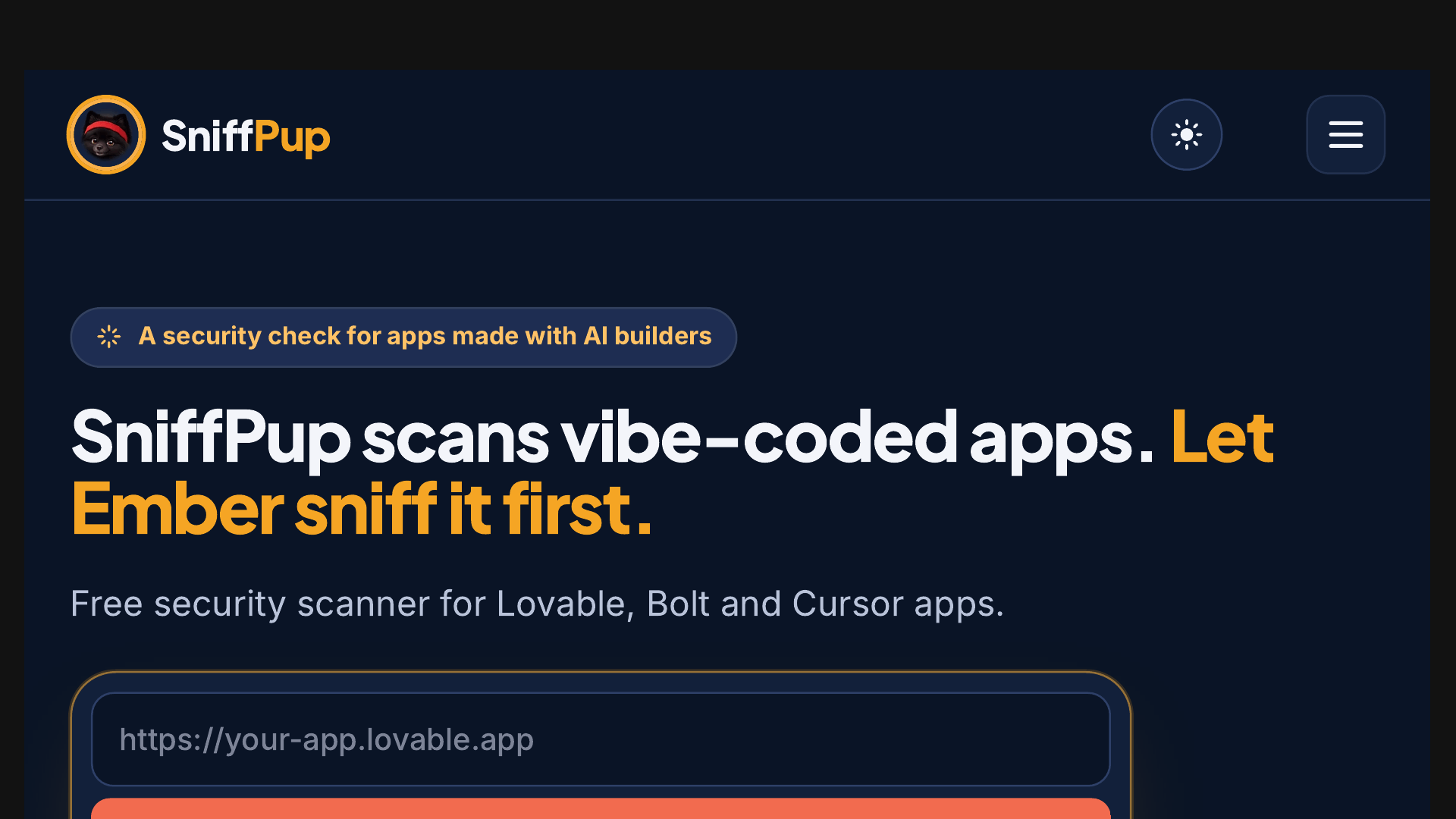
I run a lot of AI tools through their paces, and most of them ask for an account before they show you anything useful. SniffPup does the opposite. I pasted in a URL, and under 15 seconds later I had a full security report with a score, a severity list, and fix prompts. No signup, no card, no waiting room. My main test, a scan of unboxedai.tech, scored 94 out of 100, and the report was specific enough to act on.
That said, the free scan has real edges. One of my three tests could not run at all, and most of the fixes sit behind a $9 report or a paid plan. If you ship apps with Lovable, Bolt, Cursor, or a similar AI builder, this is still one of the most honest free checks I have tried this year. It tells you what a stranger can see, in plain words, and it does not pretend to be a penetration test.
What Is SniffPup?
SniffPup is a free security scanner for vibe-coded apps, built by Ember and Saru LLC in Charlotte, North Carolina. The founder, Garrett, launched it on Product Hunt on 27 October 2026. It is named after Ember, his black Pomeranian, who appears all over the site as Chief Sniffing Officer. The pitch is simple: AI builders ship fast, and they sometimes leave a secret key in the JavaScript bundle or a database open to the internet. SniffPup finds those mistakes before someone else does.
The free scan runs 15 passive checks that look at your live site the way a visitor’s browser would: leaked API keys, exposed .env and .git files, source maps, security headers, Supabase and Firebase open reads, CORS, email spoofing protection, outdated JavaScript libraries, speed, crashes, and AI crawler access. It never logs in, never sends attack traffic, and it masks any key it finds. The site is clear about the boundary: a clean report means it found nothing in the checks it runs, not that your app is secure.
Hands-On Test: How SniffPup Actually Performed
In line with our editorial testing policy, I tested SniffPup on 14 November 2026, entirely without an account, because the free scan needs no signup. The starting allowance shown on the page was 5 scans left this hour and 5 repo scans left today. My first scan finished in under 15 seconds, and I repeated it once with the same result.
Test 1: scan unboxedai.tech. Score 94 out of 100. Severity counts were 0 critical, 0 high, 0 medium, 2 low, and 2 info notes. The two low findings were a missing recommended security header, with its fix shown free, and a DMARC policy set to monitoring only (p=none), with its fix locked in the $9 full fix report. The info notes said the HTTPS certificate is valid for 171 more days and the domain is registered until 18 October 2027. The verdict on the page read “Yes, looks safe to publish” and “No serious issues found.” The separate modules told a fuller story: Crash scored 100 out of 100 with 0 findings across 1 page, 0 scripts, 1 stylesheet, and 8 links, while Speed scored 72 out of 100, flagging 7 heavy images totalling 1.1 MB and images in older formats. Site basics showed 16 of 18 checks looking good, with big images and one form field missing a label as the two items worth a look.

Test 2: scan example.com. This one failed, twice, in about 12 seconds each time. The site answered 403 to the scanner, so SniffPup reported that it could not check it and suggested adding an allow rule for user agents containing SniffPupScanner. That is a real limit: any site behind bot protection can refuse the scan entirely, and there is no score or finding to show for it.
Test 3: free repo scan of octocat/Hello-World. The Quick check ran almost instantly and found nothing: “Nothing flagged by these checks.” It read 1 text file, checked the newest 3 commits for keys committed then deleted, found none, and gave a cleanup score of 100 out of 100 after reading 0 code files. The Quick check covers keys and passwords, .env files, .gitignore coverage, Supabase migrations without row level security, Stripe payment code, and licences plus a software bill of materials. The full repo check, with known advisories for npm dependencies and the full Payments Doctor rules, needs a Solo plan or higher.

After the tests, the page showed 0 scans left this hour, with the next scan in about 51 minutes, and an immediate re-scan of the same URL was blocked for about 58 minutes. The free tier is genuinely usable, but it is metered by the hour, so plan your scans.
Free Plan vs. Real Pricing (And Hidden Limits)
The free scan costs $0 with no signup and shows every issue it finds, with full fixes free for every critical issue. If there is no critical issue, one other fix is free. In my test, the missing header fix was the free one, and the DMARC fix was locked. The free plan on the pricing page adds 5 scans a day, 5 repo scans a day, 1 app, 10 screenshot credits, and email alerts, with no history and no dashboard.
The full fix report costs $9 once and covers every fix for one app, with fix prompts written for Lovable, Cursor, Bolt, and Claude Code, plus 30 days of free re-scans. The $9 counts toward any plan started within 30 days. Monthly plans are Solo $7, Starter $15, Pro $29, and Ultimate $49, or $70, $150, $290, and $490 a year, which works out to two months free. Solo adds re-scans at top speed for one app. Starter adds 3 apps, 30-day history, the full report, daily re-scans, and push alerts. Pro adds 10 apps, unlimited history and screenshots, hourly re-scans, and priority support. Ultimate adds 30 apps, a custom API, and beta access. There is no free trial, because the free scan is the free tier.
| Plan | Monthly | Yearly | What you get |
|---|---|---|---|
| Free | $0 | $0 | 5 scans a day, 5 repo scans a day, 1 app, critical fixes free |
| Full fix report | $9 once | $9 once | Every fix for one app, 30 days of re-scans |
| Solo | $7 | $70 | 1 app, top speed re-scans, 10 screenshots a month |
| Starter | $15 | $150 | 3 apps, 30-day history, full report, daily re-scans, alerts |
| Pro | $29 | $290 | 10 apps, unlimited history, hourly re-scans, priority support |
| Ultimate | $49 | $490 | 30 apps, unlimited everything, custom API, beta |

The hidden limits are the hourly scan cap, the re-scan cooldown, and the fact that the free scan only sees what is public. It cannot check pages behind a login, server code, git history, or Supabase row level security policies beyond what an anonymous visitor can read. SniffPup states it will never sell or use the scanned app for training.
Pros
- Truly free to try: full scan and score with no signup, no card, and no account needed.
- Fast and specific: unboxedai.tech scored 94 out of 100 in under 15 seconds, with named findings and severity levels.
- Critical fixes are free: every critical issue comes with a full fix and a copy-paste prompt for Lovable, Cursor, Bolt, or Claude Code.
- Honest about limits: the site says plainly it is not a penetration test and a score of 100 is not proof of security.
- Useful extras on Free: repo Quick check, Payments Doctor quick check, Speed Doctor, and Crash Catcher are all included.
Cons
- Bot-protected sites refuse it: example.com answered 403 twice, so no scan was possible at all.
- Most fixes cost money: the DMARC fix in my test needed the $9 report, and Speed Doctor fixes need a paid plan.
- Tight hourly limits: 5 scans an hour for guests, and an immediate re-scan of the same URL is blocked for about an hour.
- Public view only: it cannot check anything behind a login, server code, or database policies.
- No account tested: the free dashboard and history need a signed-in account, which I did not test.
What Real Users Are Saying
There are 0 independent reviews of SniffPup anywhere I could find. I checked G2, Trustpilot, Capterra, Product Hunt comments, Reddit, Hacker News, and X on 14 November 2026, and none of them has a single user review. The Product Hunt page shows only the maker’s launch post, and social search turned up nothing but unrelated videos. That fits a tool launched on 27 October 2026, and it means UnboxedAI is among the first to test it hands-on, but it also means there is no track record to lean on. The only praise available is the maker’s own copy, and the only warnings are the limits the product states about itself. If you have used SniffPup on a real app, your experience would be genuinely new evidence.
Who Should Use SniffPup (And Who Should Skip It)
SniffPup is for anyone who ships apps with an AI builder and wants a fast, free check before publishing. If you built with Lovable, Bolt, Cursor, Replit, or v0, paste in your URL and read the report. It is also useful for agencies that want a quick scan of a client site, and for developers who want fix prompts they can paste straight back into their AI builder. Skip it if your site sits behind bot protection and you cannot add an allow rule, because the scan will fail outright. Skip it too if you need a real penetration test, a code audit, or checks behind a login, because this tool only sees what the public internet sees.
Beacon AI Review
If you want real-time server uptime tracking and status page alerts rather than security scans, see our Beacon AI review.
Frequently Asked Questions
Is SniffPup really free?
Yes. The free scan costs $0 with no signup and shows every issue it finds, with full fixes free for every critical issue. The free plan allows 5 scans a day and 5 repo scans a day.
Does SniffPup add a watermark on the free plan?
No. SniffPup produces web reports, not files, so there is no watermark. PDF and Markdown export of full reports is a paid feature, and the free scan has no file export.
How much does SniffPup cost per month?
Plans start at $7 a month for Solo, then $15 for Starter, $29 for Pro, and $49 for Ultimate. Yearly billing costs $70, $150, $290, and $490, which works out to two months free. A one-off full fix report costs $9.
Can you use SniffPup on any website?
You can scan any public website, but the site must answer the scanner. Sites behind bot protection can return a 403, as example.com did twice in my test, and SniffPup cannot scan pages that need a login.