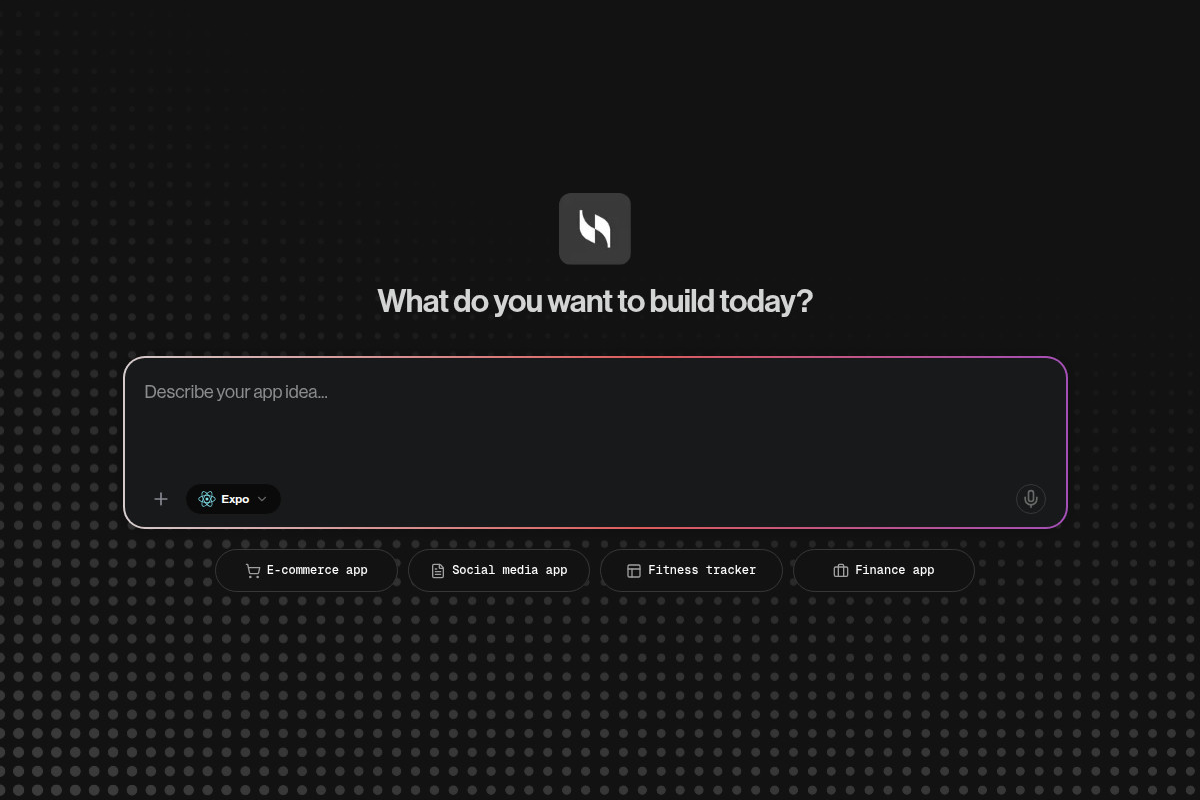
I tested Huxly AI on 12 November 2026, and the free plan did the one thing that matters for an app builder: it built a real, working app. I described a water reminder app in plain English, and about 6 minutes later I had a live preview with a working tracker, reminders and a progress ring. The catch is what happens next. The free plan gives you 5 messages, one time, and taking the code out of Huxly costs $25 a month, so the free plan is a genuine test drive, not a way to ship an app for free.
If you have one small app idea and you want to see it running before you spend anything, this is worth trying on the free plan. If you need to export the code, test on a real iPhone, or keep iterating, you will be paying, and the plan that unlocks export is Developer at $25 a month.
What Is Huxly AI?
Huxly AI is an AI mobile app builder from Huxly LLC. You describe the app you want in plain English, and it writes real mobile app code in Expo (React Native), Flutter or SwiftUI, with a live preview in the browser, backend integration, Figma to code, and submission to the App Store and Google Play on paid plans. It launched on Product Hunt on 2 November 2026, according to the beginner guide and the YouTube tutorial I checked, though its own blog was last updated in August 2026, which shows the product existed before that launch date.
That framework choice is the point of Huxly. Web app builders like Lovable, Bolt.new and v0 build for the browser. Huxly builds real mobile apps, and you pick the stack per project: Expo, Flutter or SwiftUI. SwiftUI is Max only in the public pricing table. It also offers an MCP connection, so you can keep building with your own ChatGPT or Claude subscription instead of Huxly chat credits, which is the feature the one independent reviewer I found praised most.
Hands-On Test: How Huxly AI Actually Performed
In line with our editorial testing policy, huxly only supports Google or GitHub sign-in, with no email-and-password registration option. My first OAuth redirect timed out, so I ran a second Google sign-in and landed in the workspace with a starting balance of 5 free messages out of 5 and no credit card required.

My first prompt was a water reminder app in Expo: “Build a water-reminder mobile app: reminds me to drink water every 2 hours, tracks how much I drink each day with a simple chart, clean blue design with big buttons. Use Expo (React Native).” The design preview, called Aqua Pulse, was ready in about 3 minutes, with Today, Trends and History, Schedule and Goals screens, a 2,500 ml target, next cue in 42 minutes, and plus 250, plus 500 and plus 750 buttons. After I clicked “Build my app”, the code followed in about 2 more minutes: package.json, app.json, theme.ts, app/_layout.tsx and app/index.tsx, with a three-tab tracker, 2-hour reminders and local storage. The live web preview was running by about 13:18 UTC, about 6 minutes from prompt to working preview, showing “Hydration Rhythm”, a 0 percent ring, 0 of 2,500 ml, “Reminders set every 2 hours”, and the big blue Quick Log buttons. That prompt cost 1 message and 0.6 credits.
My second prompt was a follow-up edit on the same project: “Add a daily goal setting of 2 litres and a progress ring on the home screen.” It worked in about 2 minutes. The code was done in about 1 minute, creating components/ProgressRing.tsx and editing app/index.tsx, and the preview rebundled and went live by about 13:21 UTC. I verified it visually: a “Goal: 2.0L” pill, a large progress ring showing 0 percent, 0 of 2,000 ml, goal presets from 1.8L to 3.0L, and a plus or minus 100 ml stepper, with the goal saved in AsyncStorage. One honest note: a progress ring already existed from the first prompt, so this edit replaced the vertical fluid box with an SVG ring and changed the default target from 2,500 ml to 2,000 ml. That prompt cost 1 message and 0.8 credits, leaving 3 of 5 free messages, verified at 13:25 UTC after leaving and re-entering the project. The counter read 4 of 5 right after both prompts and only updated to 3 of 5 after I navigated away and back, so the first readings were stale, and the site uses “messages” and “credits” interchangeably for the same allowance.

The rough edges were real but not fatal. The dashboard rendered as a completely black, blank page twice and only loaded after a reload. The design preview phone frames stayed black for about 30 seconds before rendering. The live preview goes to sleep when you leave the project, and on return it showed “This preview isn’t running. It may have gone to sleep” and needed about 1 to 2 minutes to rebundle. In the phone frame, the status bar overlaps the app header, partly cutting “Hydration Rhythm” and the Goal pill. The Expo Go QR code was blurred, with a note to connect an Expo account in the Keys tab, so on-phone testing was not possible. I also saw web log warnings about Expo notifications not being fully supported on web and a missing Expo auth token.
Free Plan vs. Real Pricing (And Hidden Limits)
The free plan is $0 forever, with 5 messages, one time, limited AI models, backend integration, Expo and Flutter, and a real-time preview. There is no credit card to enter and nothing to install. Those 5 messages cover one small app and a couple of edits at most, and in my test each prompt cost exactly 1 message. The pricing page and the account menu call the allowance “5 messages”, while the in-app plan modal calls it “5 credits”.
Paid plans start at Developer, $25 a month for 100 credits a month, which unlocks code export, premium AI models and the Huxly MCP. Max is $99 a month for 500 credits a month, and it is the only public plan that includes the Cloud iOS Simulator and SwiftUI. Two discrepancies are worth knowing. First, the in-app “Change plan” modal shows extra tiers the public table does not: Business at $59 a month for 220 credits, marked “Popular”, Max 1000 at $179 a month for 1,000 credits, and Lifetime at $299 one time for 200 welcome credits. Second, the pricing page subheading claims “Every plan includes all AI models, code export, and Figma-to-code”, which contradicts its own table, where Free has limited AI models, no export and no Figma to code. A third-party listing says annual billing saves 20 percent, but I could not confirm that on the official pricing page, so I do not present it as fact.
| Plan | Price | Allowance | Key limits |
|---|---|---|---|
| Free | $0 forever | 5 messages, one time | Limited models, no code export, no iOS simulator, no Figma to code |
| Developer | $25 a month | 100 credits a month | Code export included, Cloud iOS Simulator excluded |
| Max | $99 a month | 500 credits a month | Cloud iOS Simulator and SwiftUI included |
The hidden limit that matters most is export. Viewing the code in the Code tab is allowed, and I saw no watermark on the live preview, but clicking “Download App Code” opened a paywall: “Source download. Developer plan required.” The Cloud iOS Simulator is locked on Free and on Developer, Max only, and “Install on iPhone” is also locked on Free, with iPhone builds asking for an App Store Connect key. Figma to code, Design mode, iOS and Android builds, Mac Companion, App Store and Google Play submission, and Huxly MCP are all locked on Free too. The Terms, last updated 15 October 2026, say subscriptions auto-renew at the then-current price until cancelled and fees are non-refundable, with binding arbitration and a class-action waiver under Wyoming law.

Pros
- It really builds a working app: my water reminder app went from prompt to live preview in about 6 minutes, with a working tracker, reminders and goal ring.
- Real mobile code, not a mockup: Expo, Flutter or SwiftUI per project, with editable code in the workspace and a live browser preview.
- Free plan needs no card: 5 messages to start, no credit card and nothing to install, and no watermark seen on the live preview.
- MCP option: the MCP connection lets you build with your own ChatGPT or Claude subscription instead of Huxly chat credits.
- Fast follow-up edits: adding the 2.0L goal and progress ring took about 2 minutes and cost 1 message.
Cons
- Code export is not free: downloading the source needs Developer at $25 a month, so a free-plan app cannot leave Huxly.
- Only 5 messages, one time: the free allowance covers one small app and a couple of edits, then it is gone.
- iOS simulator needs Max: the Cloud iOS Simulator is locked on Free and on Developer, and only Max at $99 a month includes it.
- Unstable dashboard and preview: the dashboard went black twice, preview frames stayed blank for about 30 seconds, and the preview sleeps when you leave the project.
- Thin independent evidence: no G2, Trustpilot or Reddit footprint was found, and no Product Hunt review rating could be verified.
What Real Users Are Saying
Independent feedback on Huxly is thin, because it launched on Product Hunt on 2 November 2026, ten days before my test, so I am clear about how little there is. I found no G2 listing, no Trustpilot listing and no Reddit thread, and no Product Hunt review rating could be verified from the pages I fetched. Trustpilot results for “Huxly” returned Hubx, a different company, and I did not use them.
What does exist is one Slashdot review, dated 29 September 2026, titled “Excellent Platform”, which says Huxly gives the reviewer infrastructure to build and ship a mobile app, not just generate code, and calls the MCP connection the standout feature, because the reviewer can use ChatGPT or Claude to design, build, test, prepare the store listing and submit builds using their own AI plan rather than Huxly chat credits. The reviewer likes the choice of stack and not being locked into one way of building, and reports “No real cons so far; Huxly feels smooth and sleek.” A YouTube tutorial from 6 November 2026, “Huxly AI App Builder Free Tutorial: How to Start + Free vs Paid (Export Is NOT Free)”, walks through the same water-reminder prompt, free sign-up and pricing page, and its verdict matches my test: “Huxly is real and the free plan is genuinely useful for testing one small app idea.” It confirms Free is 5 messages one time, sign-in is Google or GitHub only, and code export and the Cloud iOS Simulator are not free. That is the whole verified record so far: one positive review, one tutorial verdict, and no complaint record to report.
Who Should Use Huxly AI (And Who Should Skip It)
Use Huxly if you have one mobile app idea and you want to see it running before you pay for anything. The free plan is genuinely useful for that one test: a working Expo preview, real code you can read, and a follow-up edit or two. It is also a good fit if you already pay for ChatGPT or Claude and want to use the MCP connection to build without burning Huxly credits.
Coderblock AI Review
If you need browser-deployed web applications with databases rather than Expo mobile apps, see our Coderblock AI review.
Skip it, or do not pay for it yet, if you need to take the code out, test on a real iPhone, or build more than one small app. In that case the $25 a month Developer plan is the real starting price, and the $99 a month Max plan is the price of the iOS simulator. If you build for the web instead of mobile, Lovable and Bolt.new are the closer comparisons, and FlutterFlow remains the mobile builder with the larger plugin and template ecosystem.
Frequently Asked Questions
Is Huxly AI really free?
Yes, to start. Free is $0 forever with 5 messages, one time, and no credit card. That covers one small app and a couple of edits, and code export is not included.
Does Huxly AI add a watermark on the free plan?
No watermark appeared on my live preview in the test on 12 November 2026. Export is a separate question: code export is locked behind the Developer plan at $25 a month.
How much does Huxly AI cost per month?
Developer is $25 a month for 100 credits, and Max is $99 a month for 500 credits. The in-app plan modal also shows Business at $59 a month, Max 1000 at $179 a month, and Lifetime at $299 one time, which do not appear on the public pricing table.
Can you use Huxly AI creations commercially?
The site says apps are yours and data and source code are encrypted and never shared, and paid plans include direct submission to the App Store and Google Play. On the free plan, code export is locked, so shipping a free-plan app commercially is limited in practice.