Happycapy is an agent-native computer in your browser: you describe a task, an AI agent opens a cloud sandbox, browses the web, writes code, and keeps working while your own computer is off. I signed up by email, no credit card required, and got 250 free credits a month. Then I gave it three real jobs: build a website, research Helsinki transit fares, and make a playable game. All three came back good, for 53 credits total, and the agent checked its own work and flagged where it had invented details. That is a strong free plan. It is not a perfect one: image generation is locked behind a paid plan, and publishing my site failed twice with a server error.
Happycapy launched on Product Hunt on 11 February 2026, where it took Product of the Day, Product of the Week, and Launch of the Month for February. It was built by the original Trickle team, and it is powered by Claude Code. Here is what the free plan actually does, what it locks away, and what it costs when the credits run out.
What Is Happycapy?
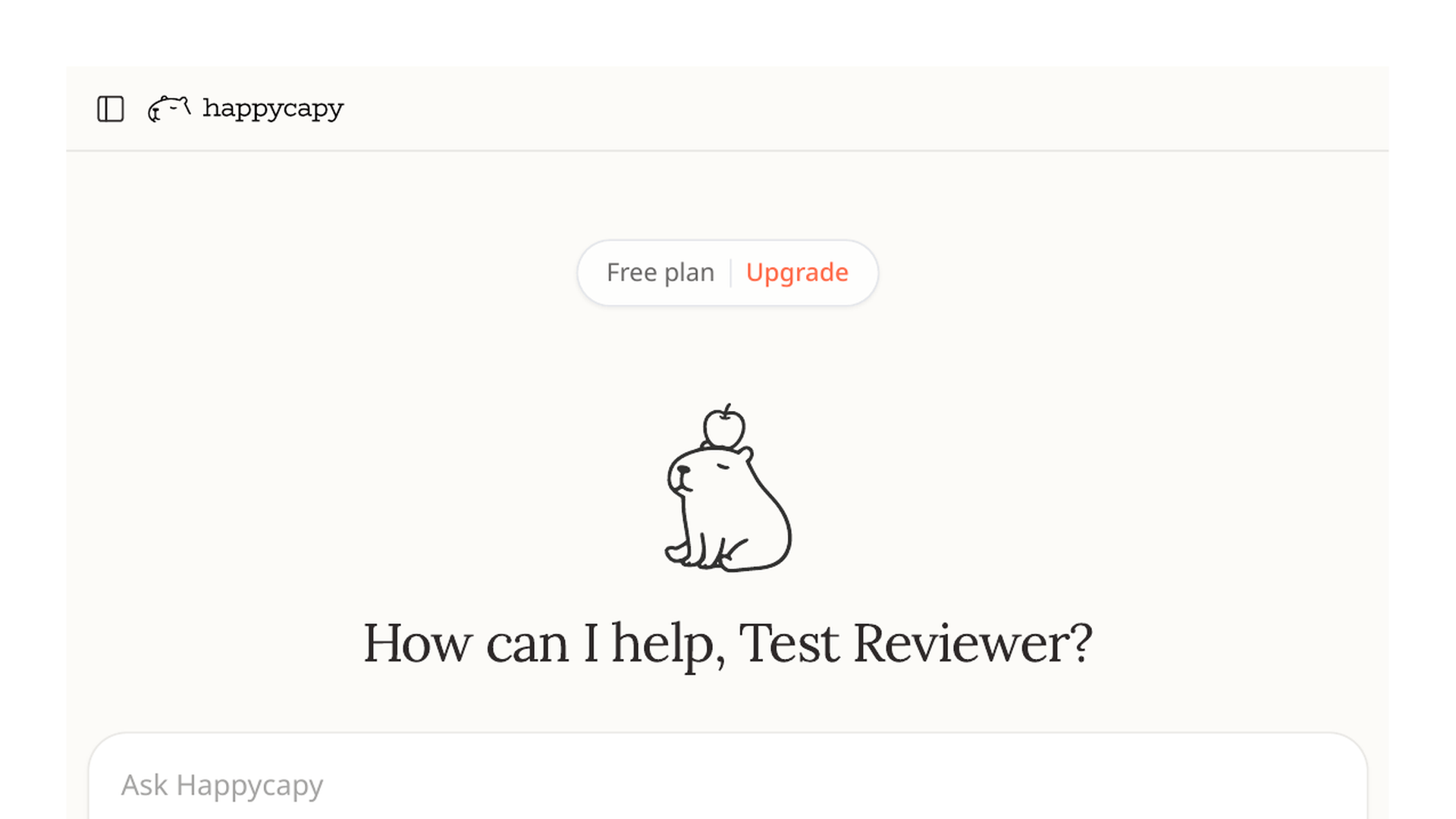
Happycapy is a browser based workspace where AI agents run in an isolated cloud sandbox. You type a task into a chat composer, and the agent works through it in steps, browsing the web, working with files, and running code. Work is organised in Projects, extended by installable skills from a Skill Store, and can be scheduled as Automations or started by email through Capy Mail. One subscription covers models from several AI labs, metered in monthly credits, and the default model in my test was Sonnet 5.5.
The dashboard is simple: a composer with action chips for Build website, Deep research, Generate image, Generate video, Create game, Create slides, Create skill, and Capymail. There is no install, no terminal, and no API key to set up. That low friction is the whole point, and it is also where the free plan shows its limits.

Hands-On Test: How Happycapy Actually Performed
In line with our editorial testing policy, I signed up by email on 13 November 2026, no card, phone number, or ID check. The free plan showed 250 monthly credits in Settings, Billing, and 197 credits at the end. There is no numeric credit counter on the dashboard or workspace; the balance is only visible in Settings, Billing.
Test one, Build website: I asked for a single-page landing page for a small Helsinki coffee roastery called Kahvi and Co, with a hero section, a menu with three coffees and prices in euros, and a contact section with an address in Kallio, Helsinki, in warm brown and cream colours. It finished in about 3 minutes, in 8 agent steps, for 18 credits. The result is a complete single-page site: hero headline Roasted slow in Kallio, menu with Sorkka Morning at 4.20 euros, Kallio Blend at 4.80 euros, and Pitkasilt a Dark at 3.60 euros, and a contact section with Vaasankatu 14, 00500 Helsinki, hours, and hei@kahviandco.fi. The rendered page looks polished and on brief, and the agent verified it in the browser and explicitly flagged that it had invented the placeholder address, email, hours, names, and prices. No watermark was visible. Publish to live URL and Download as ZIP controls are shown in the project header, but publishing failed twice at 13:54 EET with the error Snapshot failed: Could not scan the workspace: Internal server error, so no live URL was created.
Test two, Deep research: I asked it to research and compare monthly public transport fare options for an adult in Helsinki versus Espoo in 2026, and summarise the cheapest option for daily commuting in each city, with sources. It finished in about 1 minute for 18 credits, and the report is excellent: a fare table with AB and BC zones at 73.90 euros one-off, 61.60 euros saver, and 739.20 euros for 360 days, and ABC at 110.40 euros one-off and 92.00 euros saver, a cheapest-option summary of AB saver at 61.60 euros, about 2.05 euros a day, for Helsinki, BC saver at 61.60 euros within Espoo, and ABC at 92.00 euros for Espoo to Helsinki commuting, plus linked sources and honest caveats that hsl.fi returned a 403, a conflicting ABC price was resolved against the official PDF, and Espoo district pricing and the 360-day cancellation fee were unverified. Image generation was also attempted in this session and is blocked on Free: clicking Generate image with Nano Banana 2 Lite left the prompt in the composer and opened an Upgrade your plan modal, with a lock icon on the send button. It cost 0 credits and produced no image.
Test three, Create a game: I asked for a small playable browser game where a capybara runs through a Helsinki park collecting coffee beans, with arrow-key movement, a score counter, a 60-second timer, and a win screen at 25 beans. It finished in about 2 minutes, in 15 agent steps, for 17 credits. The result is a single-file HTML game, Capybara Run: Helsinki, with a title screen, a park and Helsinki cathedral skyline, arrow-key movement, a bean counter, timer, and win and restart screens. The agent played a round in the browser to verify the scene, beans, HUD, timer, and win condition, and fixed a capybara edge-clipping bug, with the honest caveat that the final fix was not re-tested. No watermark was observed.
Three real tasks, 53 credits, and the only outright failure was publishing, which is a server error rather than a free plan limit. That is a genuinely useful free tier.
Free Plan vs. Real Pricing (And Hidden Limits)
The free plan gives you 250 credits a month, a basic sandbox, Claude model access, basic models via skills, custom skill creation, and compatibility with open-source skills. No card is required. What it does not give you is image generation, frontier models, Automations, or Capy Mail email quota beyond the free allowance, and switching models in the picker triggers the upgrade modal. No rollover or expiry rule for monthly credits is published anywhere, so unused credits should be assumed not to roll over, but that is an inference, not a stated rule.
Paid plans, checked on the official pricing page on 13 November 2026. Annual billing is 2 months free, billed yearly:
| Plan | Monthly billing | Yearly billing | Credits a month |
|---|---|---|---|
| Free | $0 | $0 | 250 |
| Pro | $20 | $17, billed $204 a year | 2,000, 3 Automations |
| Plus | $50 | $42, billed $504 a year | 5,000, 5 Automations |
| Max | $200 | $167, billed $2,004 a year | 22,000, 10 Automations |
| Team | Custom | Custom | Not stated |
Pro adds a sandbox upgrade of 2 cores, 4GB RAM, and 50GB storage, access to frontier models, and Capy Mail with a 200 email quota. Max raises the sandbox to 4 cores, 8GB RAM, and 200GB storage, adds early access to the iOS app, agent teams with a GUI in research preview, and priority human support. Paid subscriptions auto-renew, and no refund policy is stated anywhere in the Terms. Account sharing is strictly prohibited, including one account for multiple users. On the positive side, the AI terms say Happycapy does not use your inputs or outputs to train third-party AI models without your explicit consent, and Google user data is not sold, not used for advertising, and not used to train general models. AI liability is capped at $100, and prohibited inputs include health data, government IDs, financial information, children’s and biometric data, and trade secrets.

Pros
- Real work on the free plan: a polished landing page, a cited research report, and a playable game, for 53 credits total.
- Honest self-checks: the agent verified its own outputs in the browser and flagged invented details and untested fixes.
- No watermark: nothing I generated on the free plan carried a watermark.
- Strong data terms: inputs and outputs are not used to train third-party models without explicit consent.
- No card to start: email sign-up only, 250 credits a month, no payment details requested.
Cons
- Image generation is paid only: the Generate image button is locked on Free and opens an upgrade modal.
- Publishing failed: Publish snapshot failed twice with an internal server error, so no live URL was created.
- No credit counter in the workspace: the balance is only visible in Settings, Billing.
- No refund policy stated: the Terms contain no refund clause, and no rollover rule is published.
- Account sharing is banned: one account for multiple users can be suspended.
What Real Users Are Saying
Happycapy’s only quantified user rating is Product Hunt, 4.7 out of 5 from 38 reviews, with 6.4K followers. Read it with care: 22 of the 38 reviews are labelled Founder Reviews, so the independent base is small and founder heavy. Reviewers mostly praise practical, execution focused work with little setup, autonomy, and use for personal knowledge systems, reminders, research, deployments, and GitHub and Google Calendar integrations. Recurring complaints are poor visibility during long-running jobs, wanting clearer real-time progress and intermediate steps, lag in the remote browser view, and automations failing when the sandbox is asleep. Outside Product Hunt, I found 0 independent reviews on G2, Trustpilot, or Capterra, and no verifiable Reddit review thread. Editorial grades, not user reviews: ToolGPA graded it 2.6 GPA, rated Good out of 4.0, and AiToolMap scored it 7.8 out of 10 with low confidence.
My own test lines up with the praise more than the complaints: the three tasks finished in 1 to 3 minutes each with clear step counts, and nothing failed except publishing. The visibility complaint is fair, though: the agent works in the background and you see a step count, not what it is doing moment by moment.
Who Should Use Happycapy (And Who Should Skip It)
Use Happycapy if you want an AI agent that does real work in the browser without setup: landing pages, research with sources, small games and tools, all on a free plan that actually runs. The 250 monthly credits cover about four or five tasks at the rate I paid, which is enough to test it seriously. Skip it if image generation is the job, because that is locked behind Pro at $20 a month, or if you need to publish live pages reliably, since publishing failed twice for me with a server error. If you need a coding agent in your own terminal instead of a hosted sandbox, Claude Code is the direct alternative, and Manus is the closest general-purpose agent rival.
Corvo Review
If you need AI document synthesis and team knowledge automation rather than inbox decluttering, explore our Corvo review.
Frequently Asked Questions
Is Happycapy really free?
Yes, the free plan gives 250 credits a month with no card required, and it covers website building, deep research, games, and slides. Image generation, frontier models, Automations, and Capy Mail need a paid plan.
Can you generate images on the free plan?
No. The Generate image button is locked on Free and opens an Upgrade your plan modal. Image generation needs Pro at $20 a month or $17 a month billed yearly.
How much does Happycapy cost per month?
Free costs $0, Pro costs $20 a month or $17 a month billed yearly, Plus costs $50 or $42, and Max costs $200 or $167. Annual billing is 2 months free. Team pricing is custom.
Does Happycapy use my data to train AI models?
No, not without your explicit consent. The AI terms say Happycapy does not use your inputs or outputs to train or improve third-party AI models without your explicit consent, and Google user data is not sold, not used for advertising, and not used to train general models.